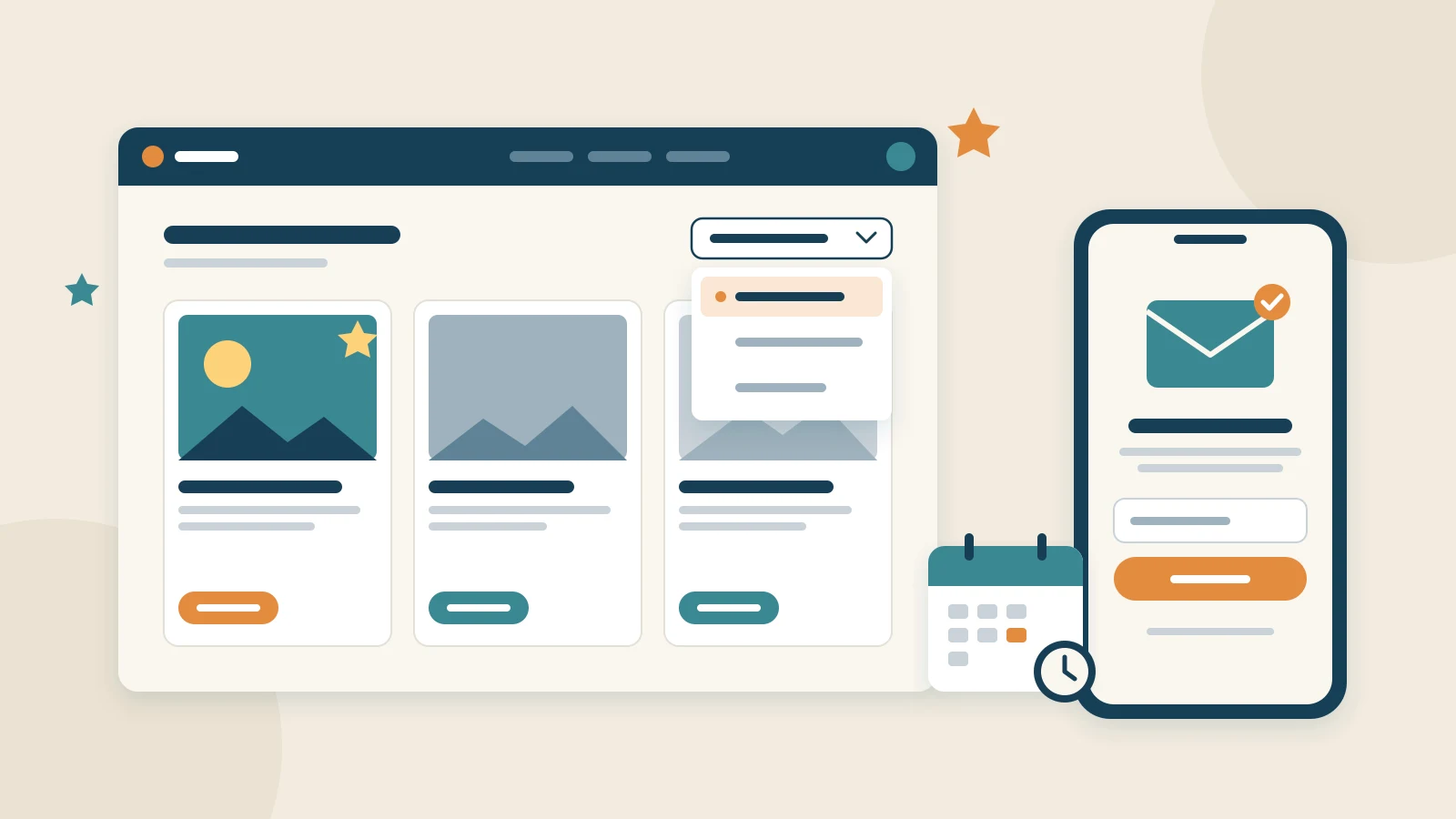
Release 26.1.0, "Portal Adjustments", brings no big new area. Instead, it collects what visitors, members and Portal editors noticed while using the Community Portal every day, and puts it right. This post walks through the highlights, with Pannoniqa AG, the fictional organisation of our documentation. The changelog entry lists every change.
Lists that sort the way readers expect
Every list on the Portal, from the travels index to a topic's page, now has a sort menu instead of a row of buttons. It says which order the list is in, such as "Order: Recommended", and takes no extra line on a phone.
Featured documents come first in every list. When Pannoniqa's editors feature the spa weekend for the staff's autumn holidays, it heads the travels index and every topic it is filed under. Topics, destinations and other groupings follow the weighting the editors give them, which readers know as "Recommended". "Price, lowest first" now starts with the cheapest priced travel rather than with travels nobody has priced yet, and it follows the price the card shows in the current season.
Each list also says what it shows, such as "Showing 1–12 of 21 Benefit Topics", in the reader's language. The site search offers only the travels of the reader's current catalogue, and on a phone it opens full-screen with its input in view.
Publishing you can rely on
Scheduled publishing runs now. An editor who schedules the winter catalogue's travels for 1 December can count on them going live that day, within five minutes of the time they chose. Schedules saved before this release run too. Drafts, publishing and preview explains how to set one.
A travel's address follows its title until it is first published, and no two travels share one, so a copy of a travel gets an address of its own. German letters are spelled out, so "München" becomes "muenchen" instead of "mnchen". Addresses already published stay as they are, so no link breaks.
The "Listing" tab of a topic, destination, catalogue or category now shows the documents assigned to it, drafts included. Pannoniqa's editors see at a glance which travels will appear under "Summer weekends" once published, and a travel created from there is already filed under it. Records and Taxonomies has the details.
Newsletter sign-ups on any page
The new newsletter block puts a sign-up form on any page, in six design versions, and the newsletter forms in the footer designs work too. An address goes to the organisation's own newsletter service, which sends the confirmation email and keeps the list.
If the organisation wants to know more about its readers, the link in that email opens a confirmation page on the Portal itself, in its own header and footer. Readers confirm their address there and may add their salutation, their name and their interests. The address counts as confirmed only when they press "Confirm", so the security scanners many companies run on incoming email cannot confirm it for them. Pages, Layout Blocks and Layout Templates describes the block, and Site settings where the confirmation page is set.
Smoother booking and redeeming
The booking and redemption wizards now show the travel's or benefit's protected content, the information meant for members, right where members act on it. Dates of birth in the emails of these wizards read 05.01.1980, so the team handling a booking can type them straight into its booking software.
Members on work devices behind a company network that inspects encrypted traffic were sometimes taken for bots in the first step. Such a Portal can now be set up without that check, and those members get through.
A calmer Portal, especially on a phone
The space between layout blocks is the same everywhere. The fine print below a document reads as fine print, and all text follows the Portal's palette, in light and dark mode. The promotion pop-up fits a phone with its buttons in view, the close button of every dialog is clearly visible, the mobile menu closes after a selection, and the chips for topics and destinations read as one row.
Try it out
All of this is available on every Community Portal. The changelog entry for 26.1.0 lists every change, and the Portal documentation describes how to use them. If something does not work the way you expect, let us know.