Pages, Layout Blocks and Layout Templates
Build the Portal's pages from a hero, texts and Layout Blocks, and reuse blocks with Layout Templates.
Licence: Content Management (content-management) for Pages. Layout Blocks and Layout Templates are on every Portal.
Backend Roles: every Portal editor.
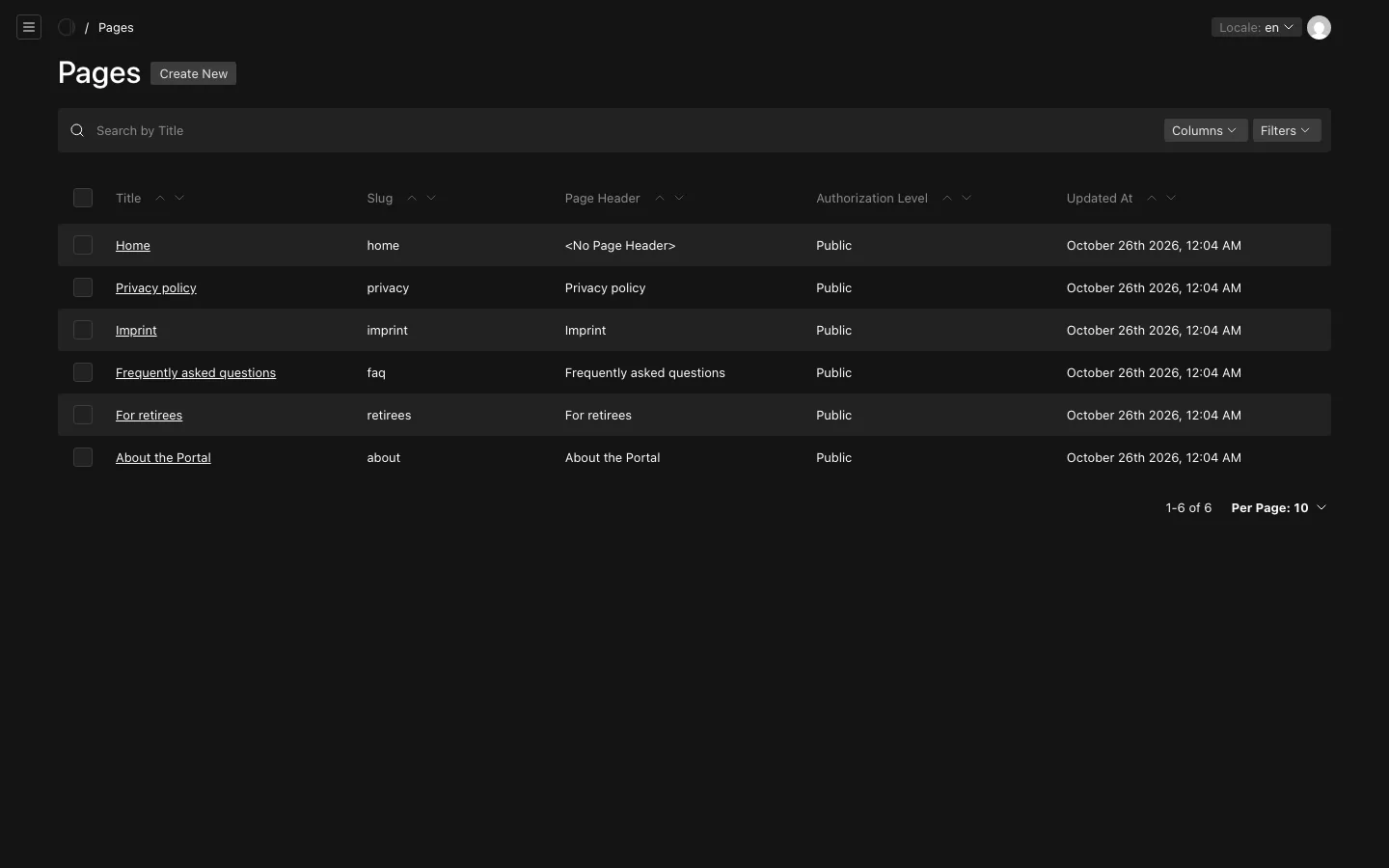
Pages are the Portal's own pages: the home page, "About the Portal", an FAQ, the imprint. You find them under "Content Management", "Pages".
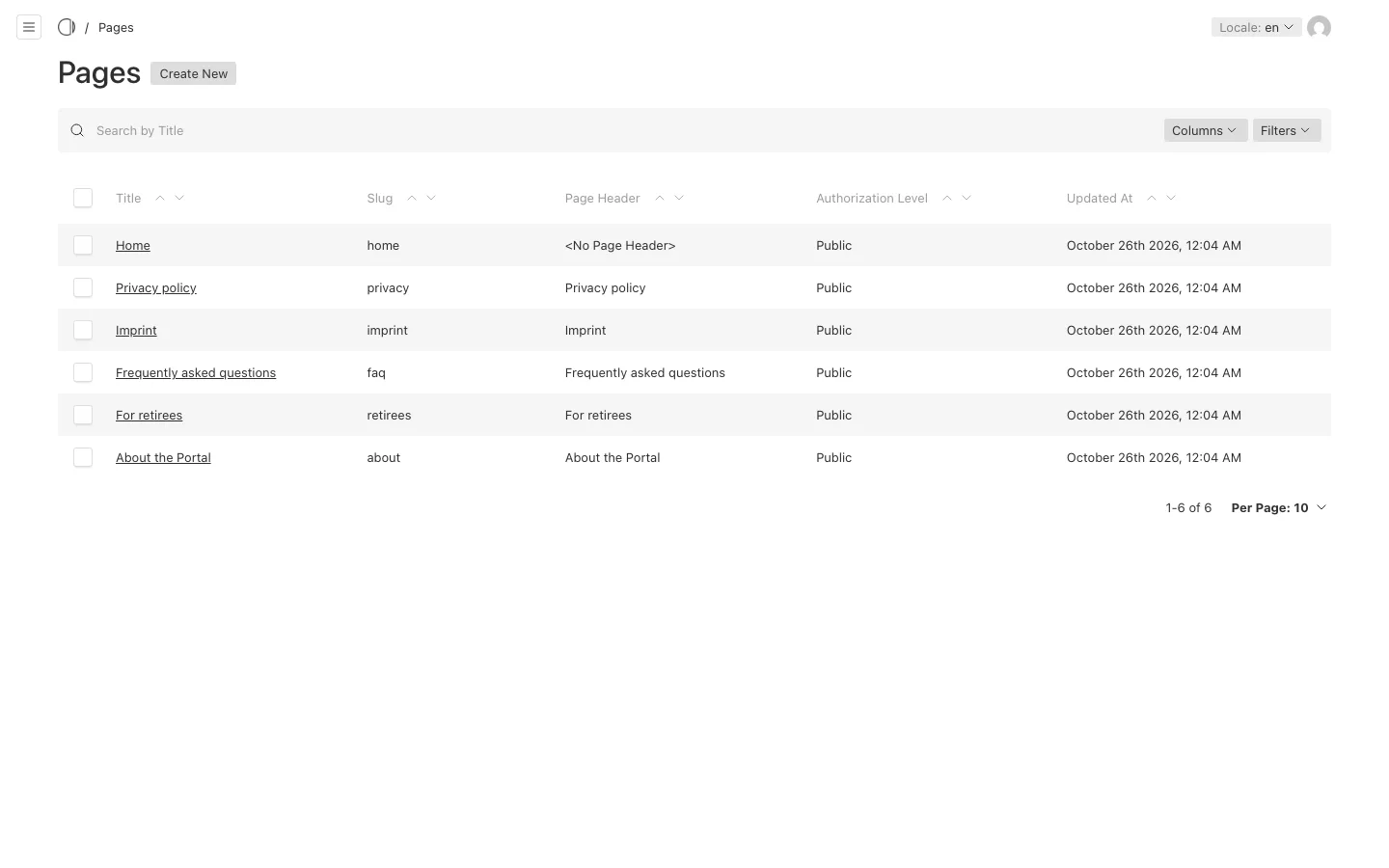
What a page is made of
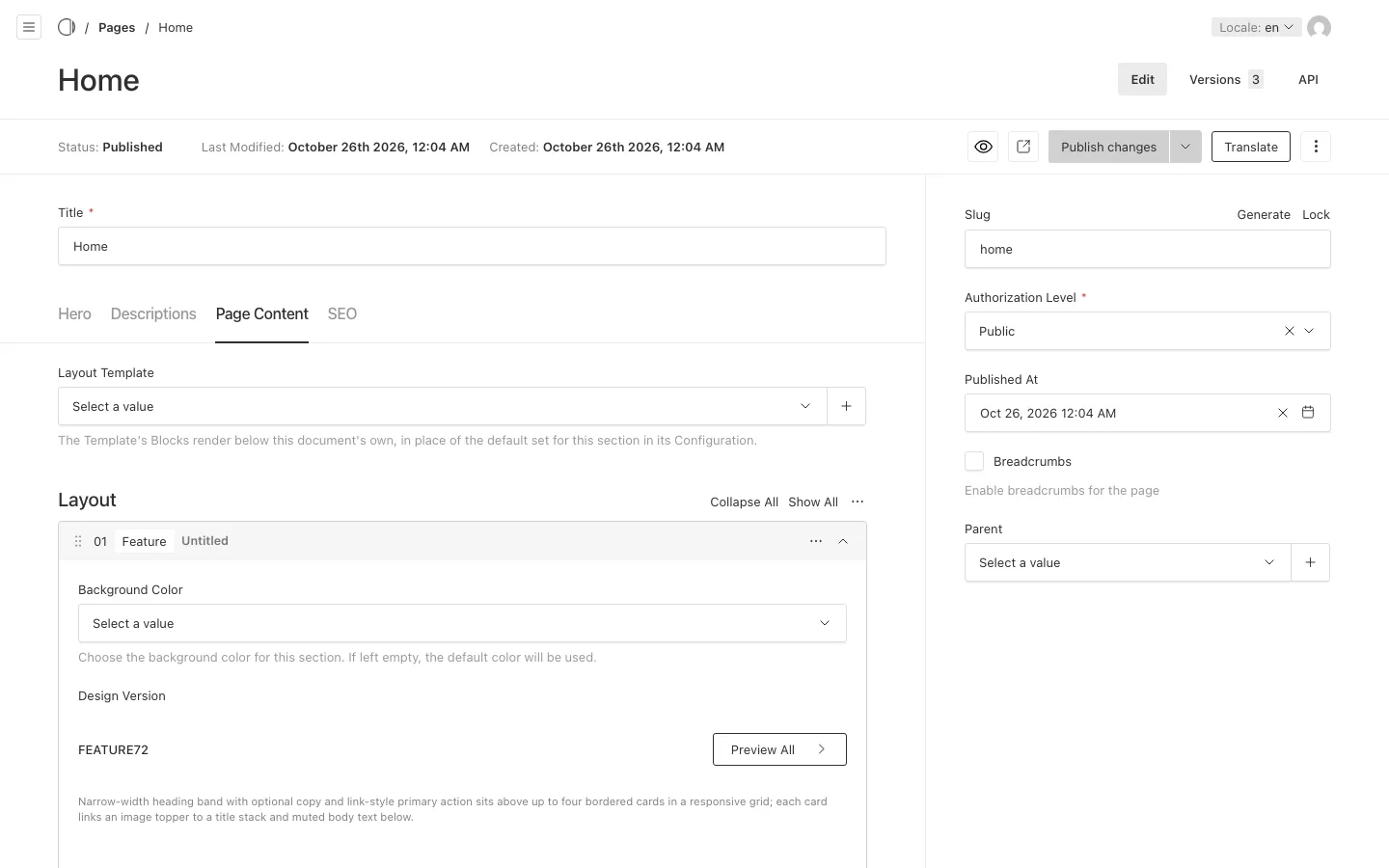
A page's edit view has four tabs, read from top to bottom of the page:
- Hero: the leading band of the page, with its "Design Version", text, links and images.
- Descriptions: the page's texts. "Page Header" is the heading visitors read; "Teaser", "Content" and "Footer" follow it. "Content (Protected)" is shown only to signed-in visitors, and "Internal Remarks" is a note for your colleagues that is never shown.
- Page Content: the page's Layout Blocks, and its Layout Template.
- SEO: the title, description and image that search engines and shared links show.
On the right are the page's "Slug" (its address), its "Authorization Level", "Published At" and its "Parent". A page with a parent sits below it, and "Breadcrumbs" shows the way back to it.
The "Title" at the top is your name for the page in the admin. Visitors see it only in the browser tab and in shared links; on the page they read the "Page Header".
Layout Blocks
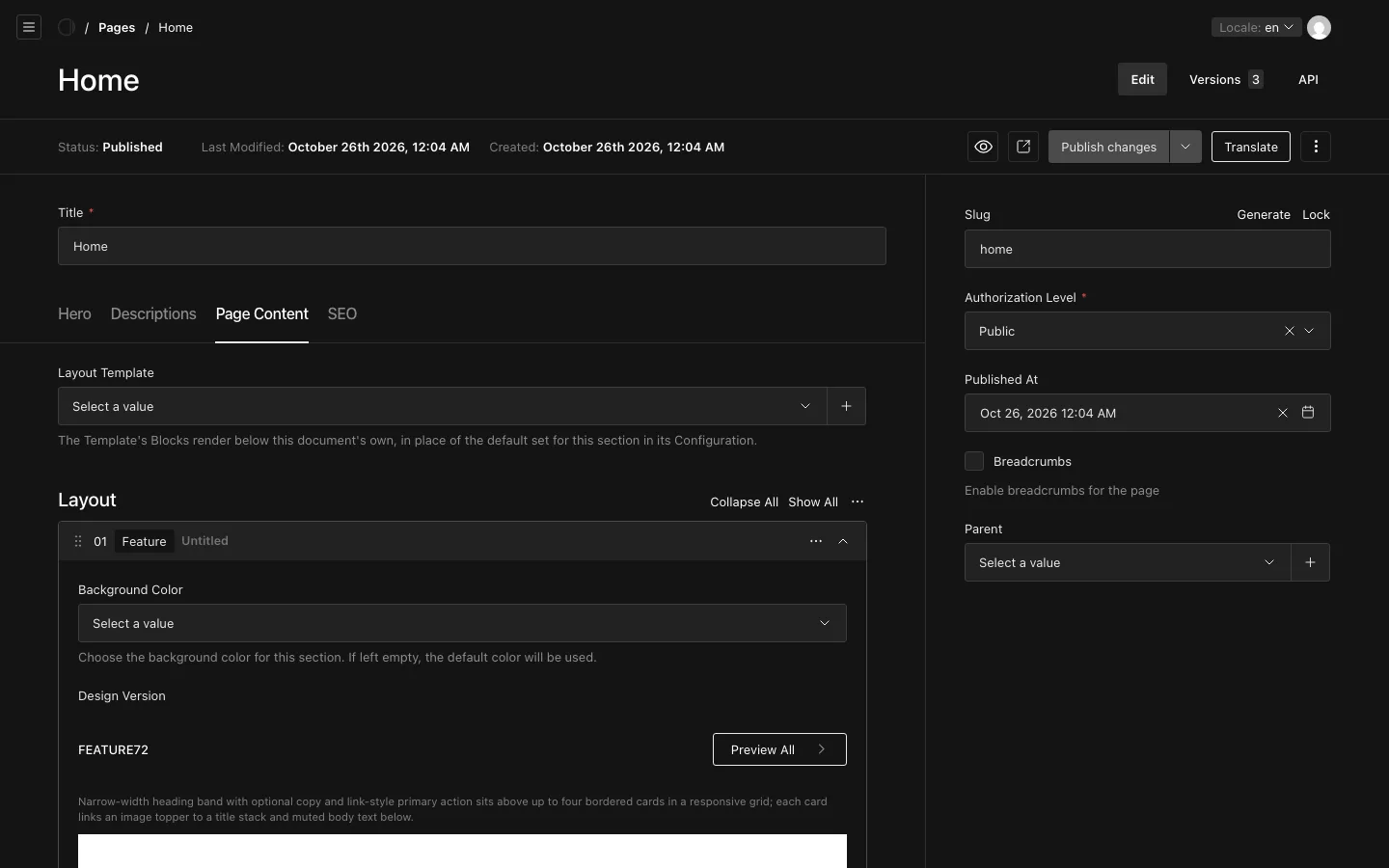
Under "Page Content", the "Layout" holds the page's Layout Blocks, such as a feature grid, a gallery, an FAQ, downloads or a newsletter sign-up. Each block has a "Design Version" that decides how it looks; "Preview All" shows the versions to choose from.
To change the layout:
- Open the page and choose the "Page Content" tab.
- Add a block below the existing ones, or open a block to edit it.
- Drag a block by its handle to move it, or use its menu to duplicate or remove it.
- Save or publish the page (see Drafts, publishing and preview).
Pages offer every Layout Block. Travels, Benefits and the other Records and Taxonomies offer a smaller set that suits them.
Layout Templates
A Layout Template is a set of Layout Blocks that several documents share, such as a contact band at the end of every travel. Templates live under "Content Management", "Layout Templates", and have no page of their own: their blocks render below the blocks of the document that uses them.
A document uses at most one template:
- the one chosen in its own "Layout Template" field, on the "Page Content" tab;
- otherwise the default template its section's "Configuration" names, for example "Template for Travels" in the travel Configuration;
- otherwise none.
Change the default template to change the end of every document in a section at once. Layout Templates have drafts, like pages: a change shows only once you publish the template (see Drafts, publishing and preview).
Index Pages
The list of all travels or all benefits on the Portal, for example /travels, is an index. Its own hero, texts and blocks come from an Index Page under "Content Management", "Index Pages", one per index. An index without an Index Page shows its list alone.