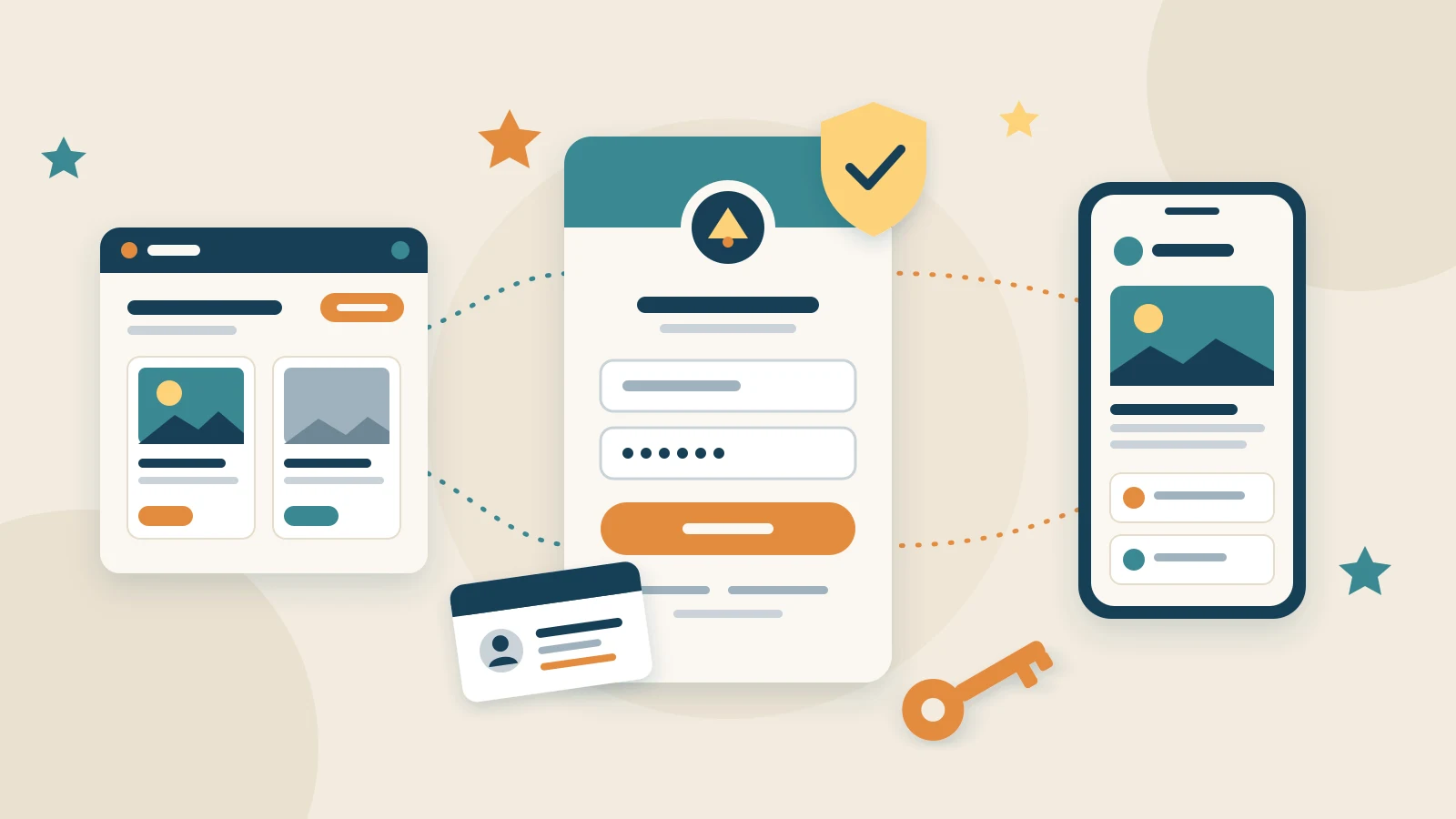
The centre of release 26.1.2, "Enterprise Identity", is Login with appsolut: the one sign-in an organisation's people use for all of its websites and apps, and the moment they become members. Around it, the Studio gets the tools to look after those accounts, and finer control over who in the organisation may do what. This post walks through the highlights, with Pannoniqa AG, the fictional organisation of our documentation. The changelog entry lists every change.
Sign up once, and be a member
Thomas Fuchs sits on Pannoniqa's works council. He opens the "Pannoniqa Portal", chooses "Log in" and enters his private email address. There is no account for it yet, so the sign-in screens ask for his names and a password, and under "Membership" for his member code and date of birth. A 6-digit verification code proves that the address is his, and the account exists only once the code matches.
In the same step, the Studio checks Thomas against Pannoniqa's registers. He is found, so he is a member from his very first sign-in. At every later sign-in the Studio checks him again without him entering anything, so someone who leaves the company no longer counts as a member from their next sign-in. Someone who cannot finish sends a support request straight from the screen, to the support address Pannoniqa set. Sign-up and onboarding shows every step and every outcome.
Why this matters for people without a company account, such as the shop floor or retirees, is the subject of Employee portals that reach every employee, not only those with an email address.
Sign-in screens in the organisation's look
The sign-in screens are served by the Studio, but they carry Pannoniqa's sign-in branding: its logo, its colour in light and dark mode, a side image if it likes, and links to its privacy policy and imprint. They speak English or German, following the browser, and the frontend's name tells people where they are signing in to. The Portal never sees a password. Sign-in branding explains the settings.
Once signed in, Thomas moves to another website of Pannoniqa in the same browser and is signed in without typing anything. A forgotten password is reset by link, which also signs out anyone still using the old one. "Sign out of all websites and apps" ends his sessions everywhere, on every device.
The Portal knows its members
On the Community Portal, every navbar design now has "Log in", and a signed-in member sees their first name and "Log out" instead. Members read the pages meant for them. When Thomas books a holiday, the booking wizard no longer asks for his member code: his names and email come from his account, his date of birth from his register, and his phone and postal address are suggested. Under "Code proof allowed from", in the travel and the benefit "Configuration", Portal editors decide who may still book or redeem with a member code instead of signing in. appsolut switches sign-in on for each Portal together with its organisation.
In this release, internal frontends that are web apps sign people in. External frontends and mobile apps follow in a later release. A frontend's Sign-in settings set up its sign-in, and the developer documentation for Login with appsolut describes the flow for the people who build frontends.
Frontend users in the Studio
Everyone who signs up appears under "Frontend users" in the Studio, with search and filters. A frontend user's page shows their membership, the frontends they use and their recent sign-ins, which helps when someone says they cannot get in. "Block" shuts an account out of every frontend at once, and "Export data" downloads what the Studio holds about an account, for a data access request under the GDPR. If a test website must stop, "Disconnect frontend" switches it off for everyone, and "Reconnect" brings it back. Frontend users has the details.
Permission sets and units
The people who run the Studio now have five Studio roles, from "Owner" to "Stakeholder", and permission sets for the areas they work in. At Pannoniqa, Anna Berger is the owner. Markus Huber keeps the registers and communities as an editor with "Community: manage", and Sabine Wagner looks after the Portal as an editor with "Frontends: manage". When Markus goes on holiday, Anna gives Sabine "Community: manage" for those two weeks, with the reason "Vacation cover for Markus Huber", and the set ends by itself. Units group Studio users such as a department, and a "Manager" invites and looks after the people of their units. Studio users and roles explains each role and set.
More from the registers
Internal registers now hold claims, such as an employee group or the working hours per week, and filter on them as external registers do. Under "Released claims", a frontend may read chosen claims about its members, and nothing is released until a Studio user releases it. The new Member code query shows how the saved membership definition decides one member code right now, with the deciding register's data, without logging anything.
Lists in the Studio got easier to work with, too: "Rows per page" in every list, the main column of a row opens its detail, and an internal register's settings moved behind a gear so its entries come first.
Try it out
The changelog entry for 26.1.2 lists every change, and Login with appsolut in the Studio manual is the place to start. If something does not work the way you expect, let us know.