Editing the Portal
How Portal editors maintain a Community Portal's content in its admin.
Portal editors maintain the Portal's content in its admin, which opens at /admin on the Portal's address, for example https://portal.pannoniqa.example/admin. The admin is part of the Portal, not of the Studio: you sign in with an account of the Portal, and what you change there changes this Portal only.
Finding your way
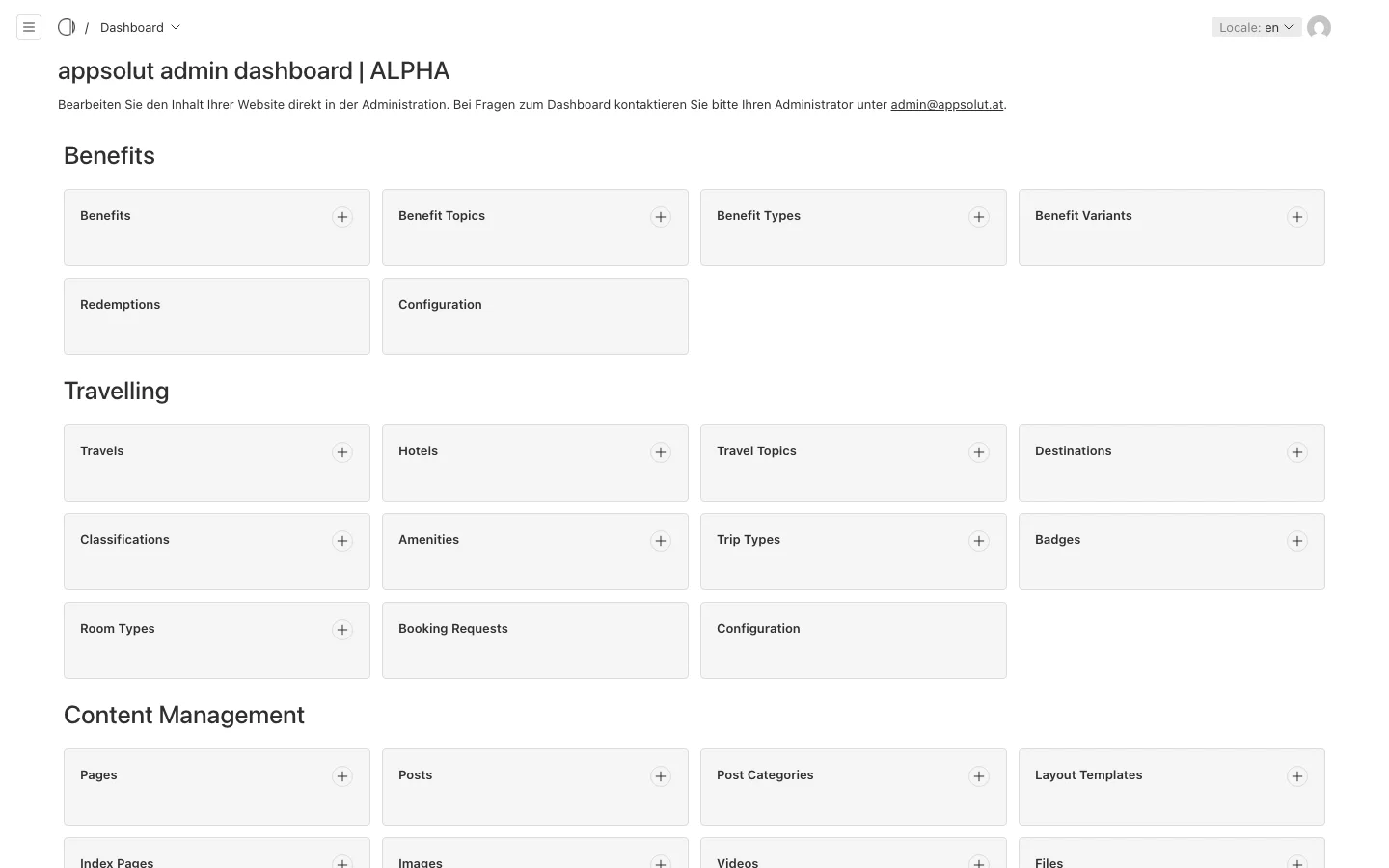
The admin's dashboard and its menu group what you can edit:
- Benefits, Travelling, Member Shop and Membership: the services of the Portal, each with its own "Configuration". You see a group only if your Portal holds its Licence (see Licences).
- Content Management: Pages, Posts, Layout Templates, Index Pages, Images, Videos and Files.
- Portal: the Portal itself, with its Header, Footer and Configuration, its Users (shown to the Backend Roles manager and admin) and its Roles (shown to admin only).
The words the admin uses
- Record: a document published as its own page, such as a Page, a Post, a Travel or a Benefit.
- Taxonomy: a document whose page gathers Records, such as a Destination, a Travel Topic, a Benefit Topic or a Catalog.
- Title and Page Header: the Title is the Portal editors' own name for a document, used in the admin's lists. Visitors read the Page Header, which can differ per language. A document without a Page Header shows no heading.
- Layout Block: one section of a page's layout, such as a feature grid, a gallery or an FAQ.
- Authorization Level: who may see a page or a menu item: "Public", "Authenticated", "Community Member" or "Team".
- Backend Role: what you may change in the admin besides content: the Backend Role editor, manager or admin.
The Pannoniqa Portal, for example, has Pages such as "About the Portal" and "For retirees", Benefits such as a spa day at a thermal bath, Travels such as a city break in Vienna, and the Catalog "Summer 2027".