Booking Requests, Redemptions and Membership Enquiries
Read what visitors send from the Portal, and decide who is told about it.
Licence: Travelling (travelling) for Booking Requests, Benefits (benefits) for Redemptions, Membership (membership) for Membership Enquiries.
Backend Roles: every Portal editor reads them; only the Backend Role admin can delete one.
Three services of the Portal leave a record behind, each read by its own desk:
| Collection | Written when | Read by |
|---|---|---|
| Booking Requests, under "Travelling" | A visitor sends a booking request for a travel | The booking office |
| Redemptions, under "Benefits" | A member is shown a benefit's voucher code | The redemption office |
| Membership Enquiries, under "Membership" | Someone whose membership could not be confirmed writes to the membership office | The membership office |
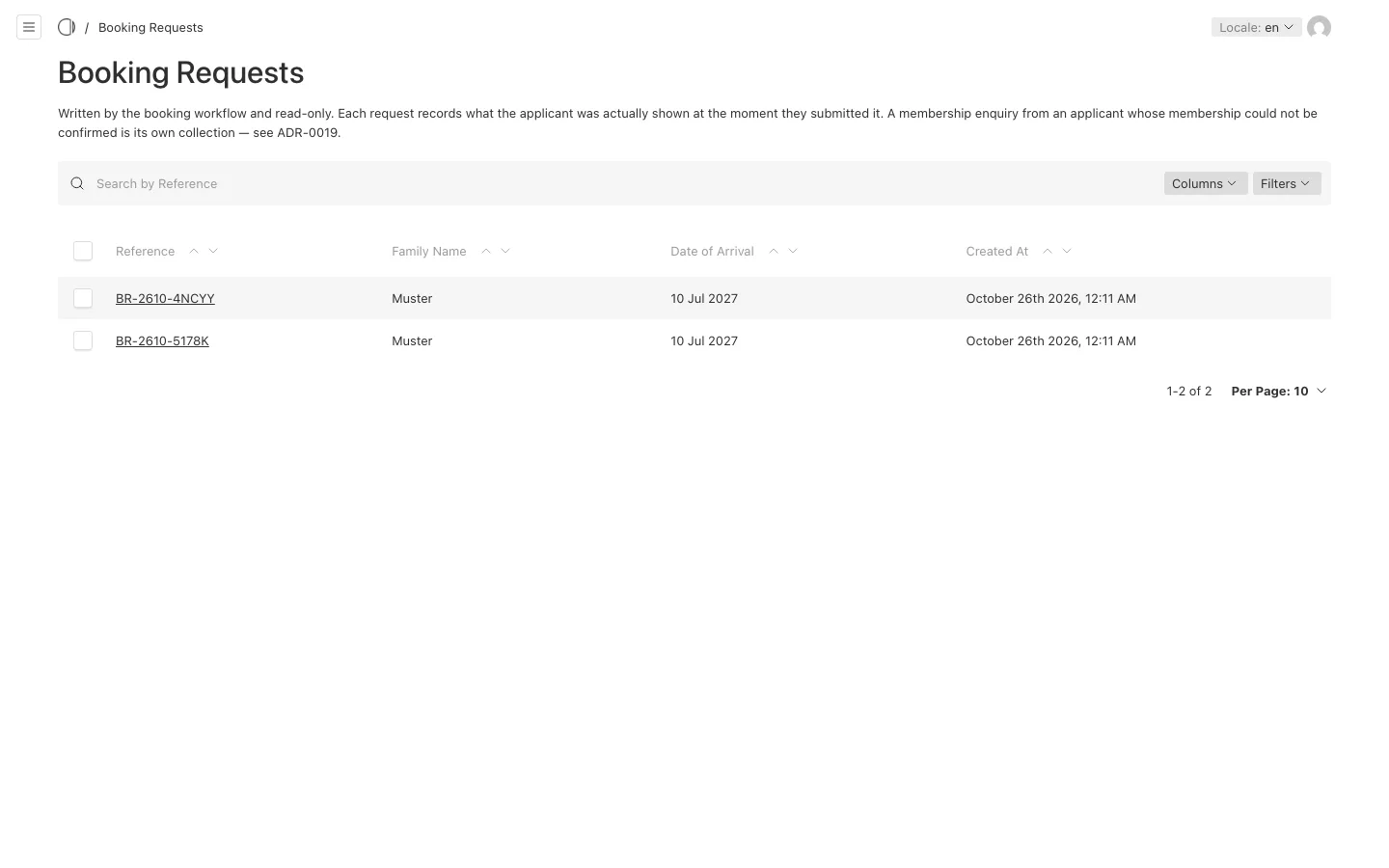
All three are read-only: nobody can create or change one in the admin. Each has a reference to quote when you answer, such as BR-2610-5178K for a booking request.
Booking Requests
A booking request is a request to your booking office, not a booking: nothing is reserved and no hotel is told. It holds who is asking, when they want to travel, which room types they chose, who is travelling with them and the consents they gave. It also keeps what the visitor was shown at that moment, such as the travel's prices, so you read the request as it was made even if the travel changed since.
In the travel "Configuration", on the "Settings" tab:
- "Email Address of Booking Office" is the address the booking office reads. A visitor who replies to their confirmation reaches it.
- "Email Notification when an Online Booking is made" sends the office an email for every new request. Without it, the office reads the list in the admin.
The "Booking" tab of the travel Configuration holds the wording of the six steps, the consents, the confirmation, the "Minimum Lead Time in Days" and the "Minimum Duration in Days".
Redemptions
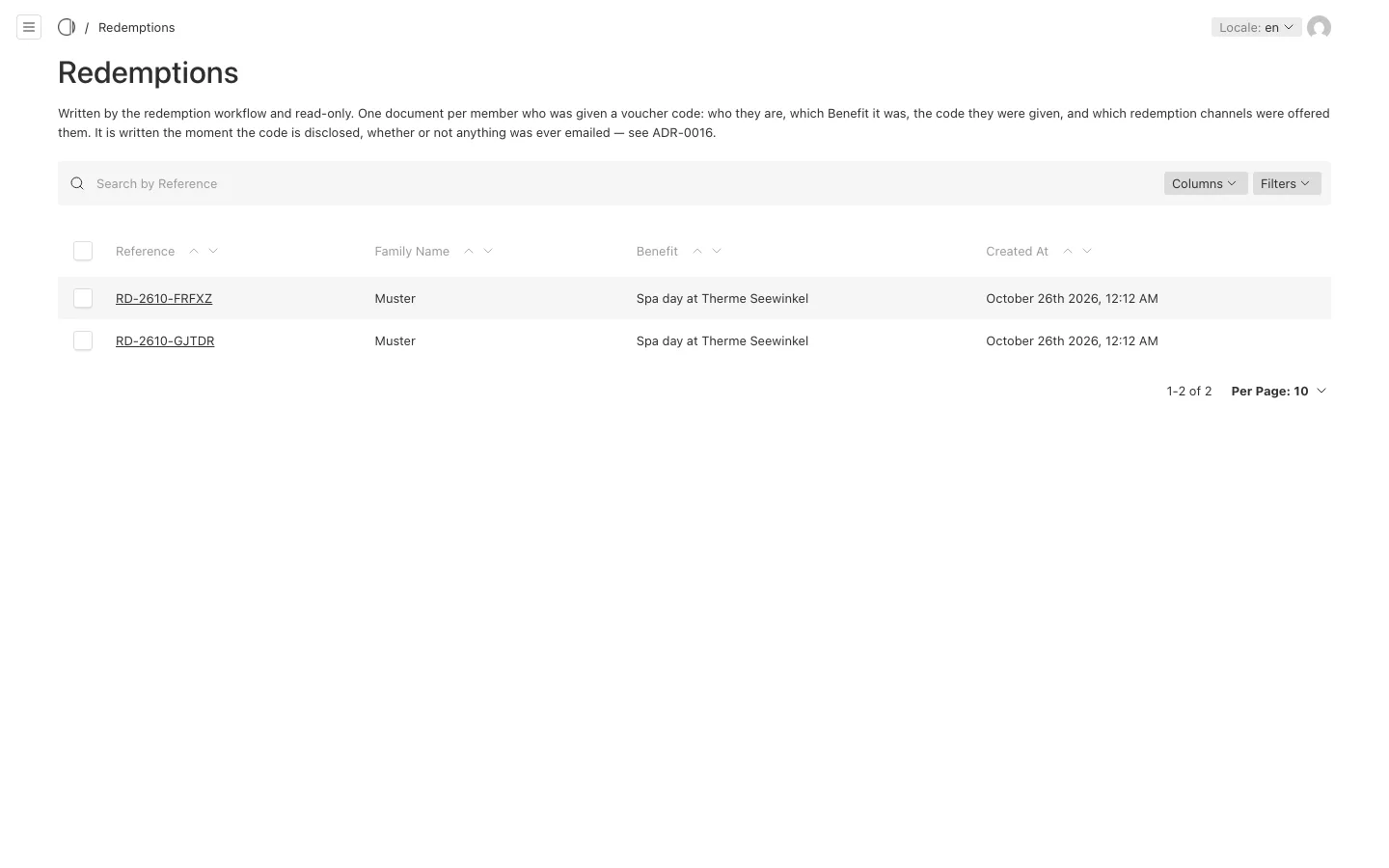
A redemption is recorded the moment the Portal shows a member a voucher code, whether or not they use it. It holds who the member is, which benefit it was, which code they were given and which ways of redeeming were offered. Whether the code was used, the Portal cannot know.
In the benefit "Configuration":
- "Redemption Active", on the "Redemption" tab, switches redeeming on for the whole Portal. It is off until your organisation starts its benefits programme; while it is off, the Redeem button is shown disabled with the "Notice When Switched Off".
- "Email Address of Redemption Office" and "Email Notification When a Coupon Is Redeemed", on the "Settings" tab, tell the redemption office about every redemption.
When a member uses the "Email" way of redeeming, the partner receives their message and the code; the partner's address is on the benefit, or else in the Configuration.
Membership Enquiries
When someone books or redeems with a member code that cannot be confirmed, the Portal can offer them to write to your membership office instead of trying again. Their enquiry holds their details, the travel or benefit they were asking about and their message. One list for both, because a wrong entry in your membership data shows up in one place.
Whether the Portal offers this is "Soft Reject", in the travel and the benefit "Configuration", under "A Membership that Cannot Be Confirmed". Off, the person reads one line saying their membership could not be confirmed. On, they see their details again, with "Try again" and the form to notify the membership office.
In the Membership "Configuration", "Email Address of Membership Office" is where every enquiry is sent. Fill it in: no other address stands in for it.
Personal data
These records hold personal data. Read them for the purpose they were sent for, and delete one only when you must, for example on an erasure request: that is why only the Backend Role admin can delete them.