The three roles
Who works with a Community Portal, and where each of them works.
Three kinds of people work with a Community Portal, and each works in a different place.
| Role | Works in | Does |
|---|---|---|
| Studio user | The Studio | Connects the Portal as a frontend and decides who may use it |
| Portal editor | The Portal's admin, at /admin | Creates and publishes content and runs the Portal's desks |
| Frontend user | The Portal itself | Uses services such as benefits and travels, and confirms their membership with their member code |
Studio user
A Studio user administers your organisation in the Studio. For the Portal, they connect it as a frontend, choose the community whose members may use it, and set up how the sign-in looks. Later, the Studio will also deploy and monitor the Portal.
A Studio user signs in to the Studio with their Studio account. What they may do depends on their Studio role: connecting a frontend needs "Owner", "Administrator" or "Frontend manager". See Portal in the Studio.
Portal editor
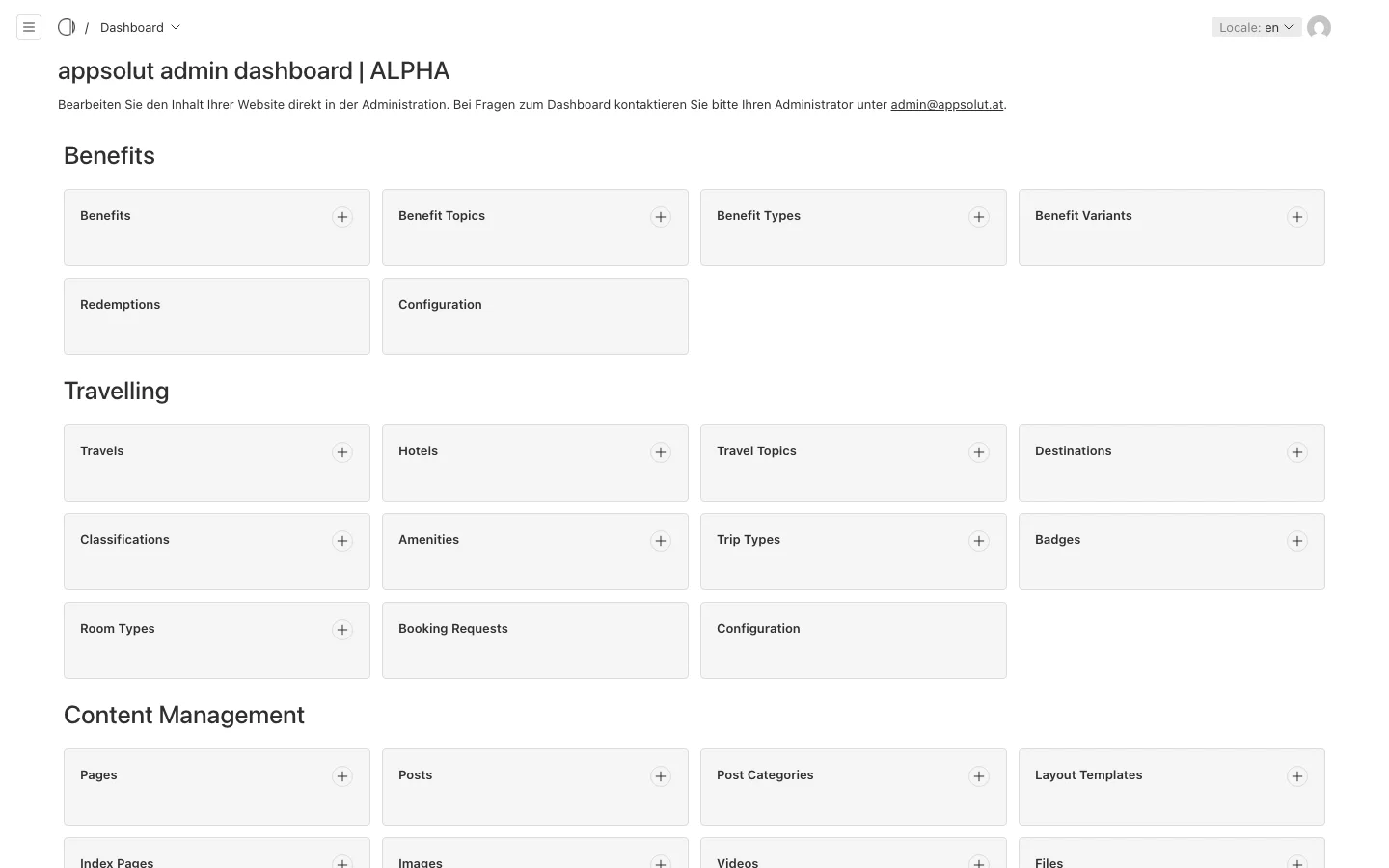
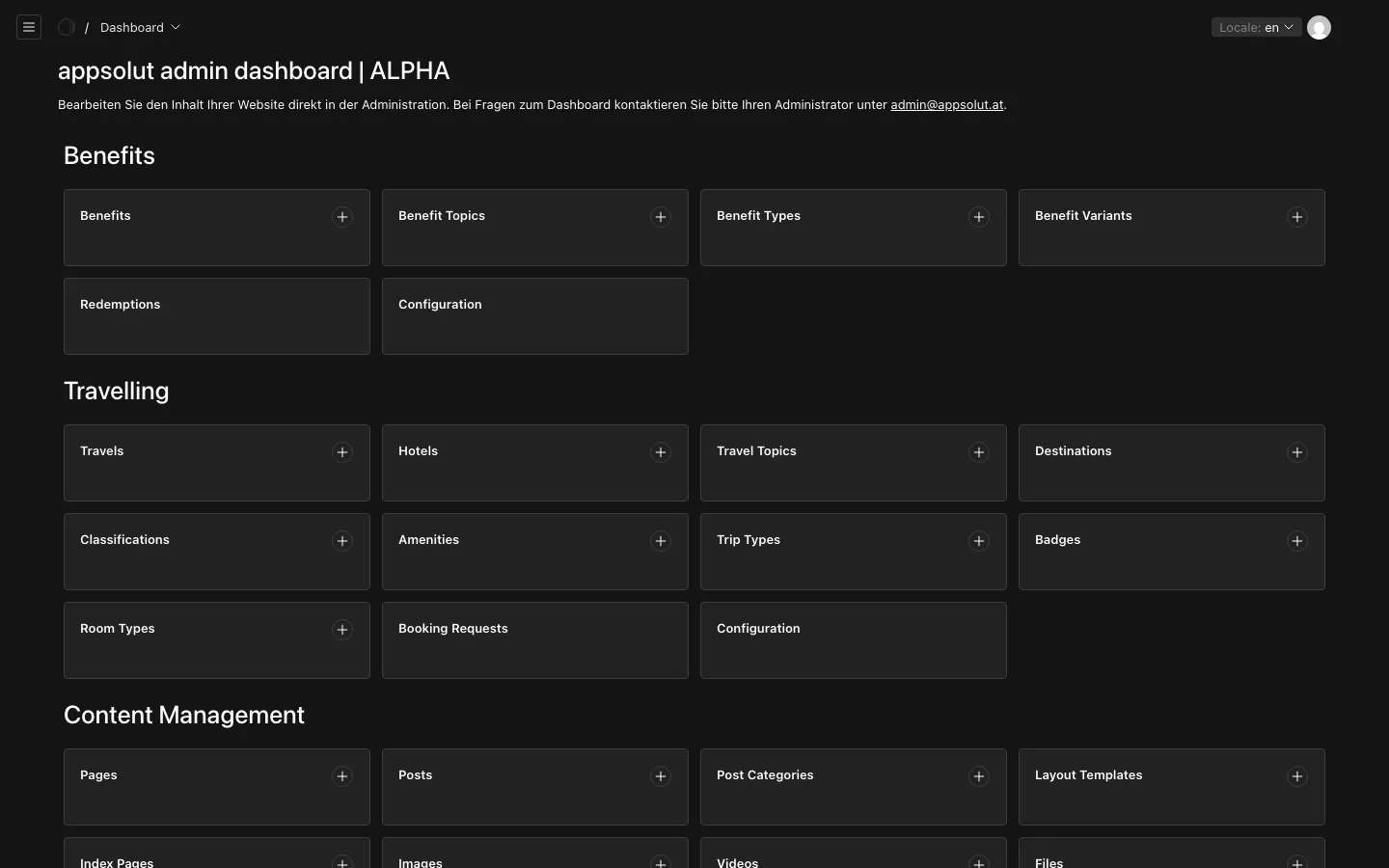
A Portal editor maintains the Portal's content in the Portal's admin, which opens at /admin on the Portal's address. They write pages, keep benefits and travels up to date, publish and translate, and read the requests that come in from the Portal: booking requests, redemptions and membership enquiries.
A Portal editor signs in to the admin with an account of the Portal itself, not with a Studio account. Their Backend Role decides what else they may change: the Backend Role editor edits content, the Backend Role manager also manages users and redirects and chooses the Portal's Palette, Favicon and Card Placeholder, and the Backend Role admin may do everything. Being a Portal editor says nothing about being a Studio user, and the other way round. See Editing the Portal.
Frontend user
A frontend user is a person who uses the Portal's services, such as booking a travel or redeeming a benefit. Today they need no account: when they book or redeem, they enter their member code where the Portal asks for it, and the Portal checks that they are a member.
Portals are moving to Login with appsolut, a person's one account with your organisation for all of its frontends. Once your Portal offers it, frontend users sign up and sign in with it. At their first sign-in, the Studio checks them against your registers; if they pass, they become a member and see what the Portal offers its members. See Using the Portal.
A frontend user is never a Studio user and never a Portal editor: the three roles are separate, even when one person holds more than one of them.