Membership and activations
Open a frontend user's page: profile, organisation membership, the frontends they use, recent sign-ins and history.
Studio roles: "Owner", "Administrator" and "Frontend user manager".
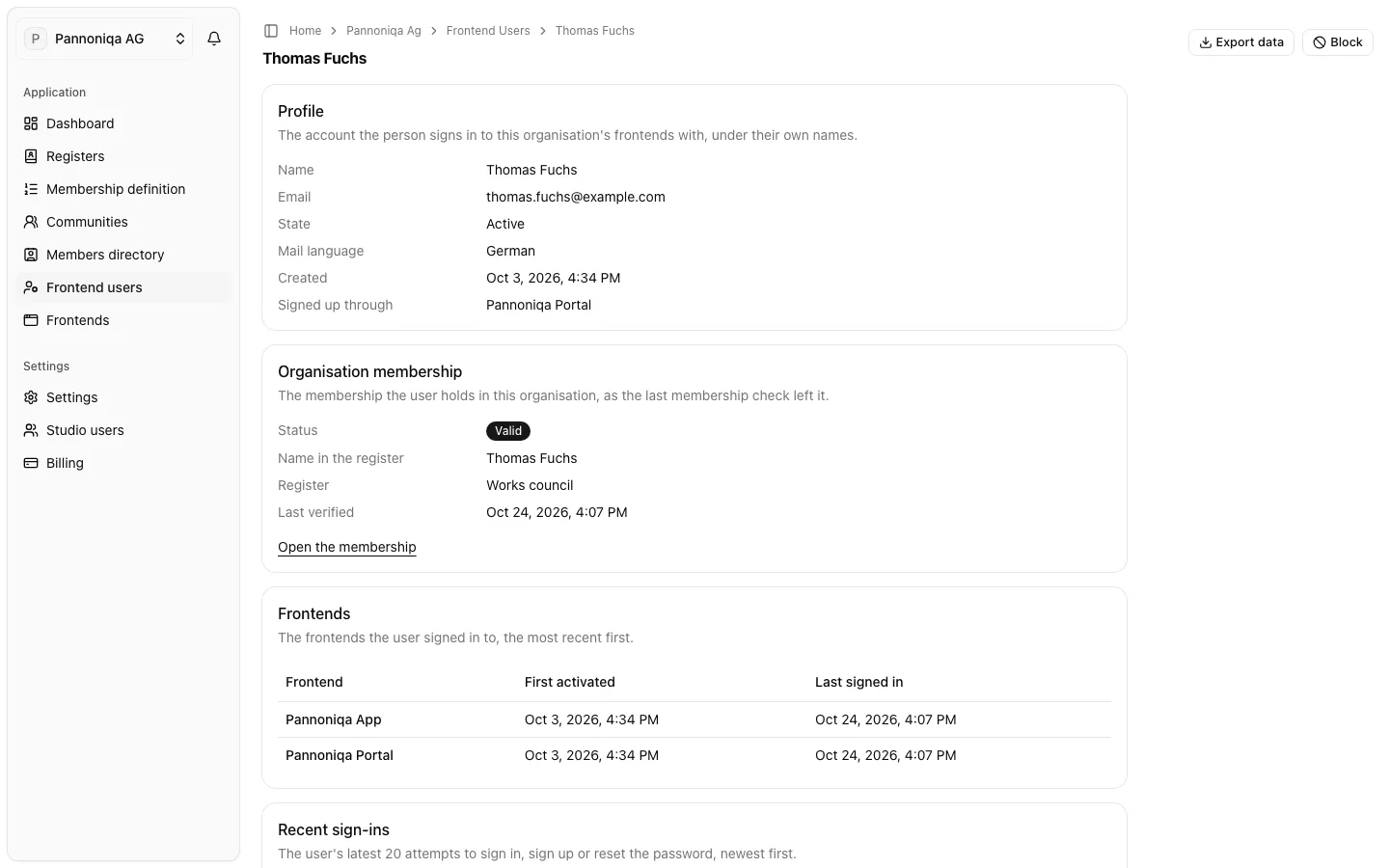
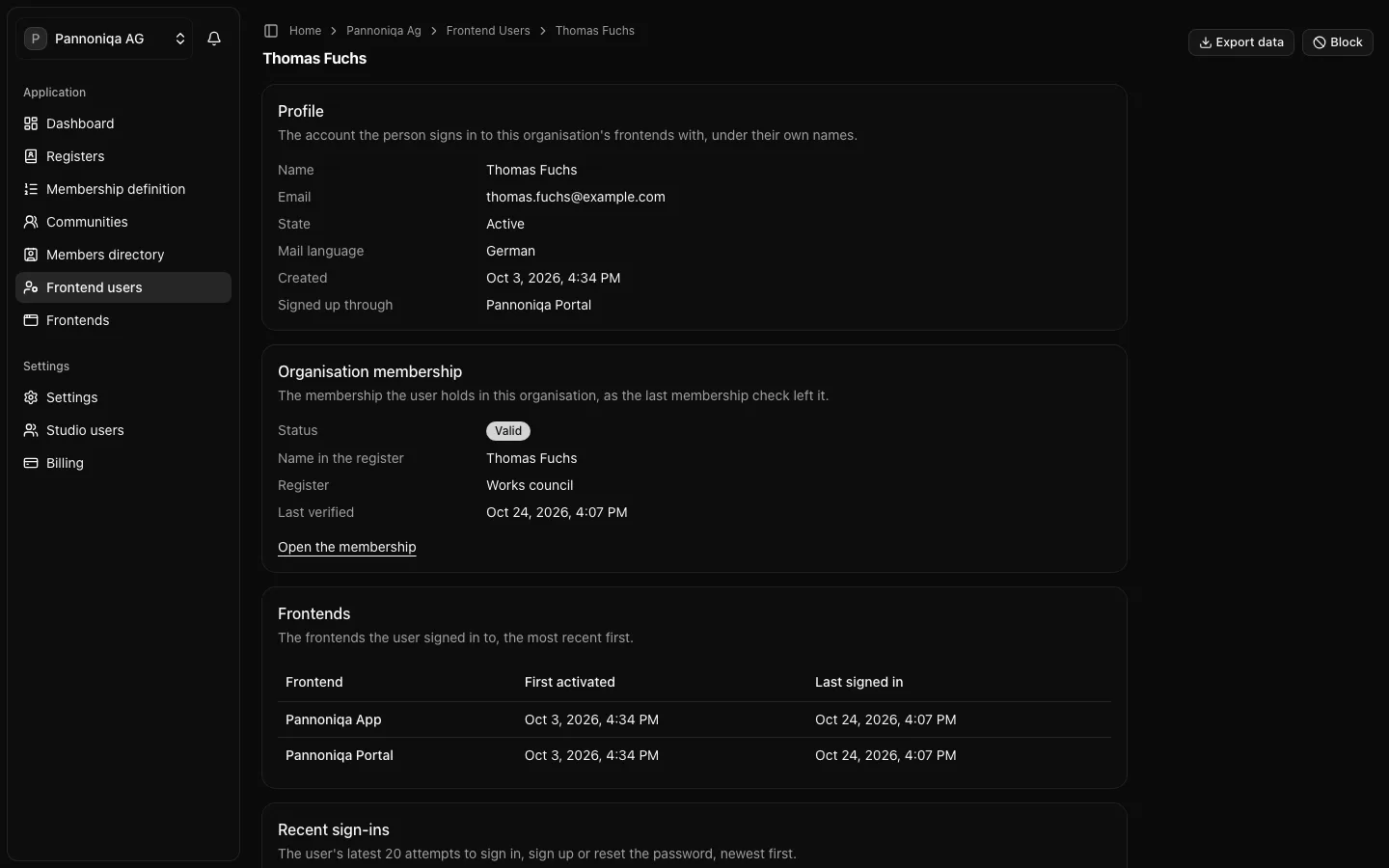
Open "Frontend users" and choose a name. The page of the frontend user, for example Thomas Fuchs, has five parts, and "Export data" and "Block" or "Unblock" at the top.
Profile
The account the person signs in with, under their own names: "Name", "Email", "State" ("Active" or "Blocked"), "Mail language" (the language of the emails the sign-in surface sends them), "Created" and "Signed up through", the frontend where they created the account.
Organisation membership
The membership the person holds in your organisation, as the last membership check left it: "Status", "Name in the register", "Register" and "Last verified". Without a membership, the page says "The user holds no organisation membership."
If your Studio role also allows the members directory ("Owner", "Administrator" or "Community manager"), "Open the membership" opens the member's page there. From the member's page, the holder's email links back here.
Frontends
The frontends the person signed in to, the most recent first, with their first and their last sign-in. Each line is a frontend activation: the person's permission for that frontend to sign them in, created at their first sign-in to it. The members directory reads "Frontends used" from the same records.
Recent sign-ins
The person's latest 20 attempts to sign in, sign up, enter a code, reset the password or request support, newest first, with the frontend and the outcome, such as "Succeeded", "Failed", "Refused: blocked" or "Too many attempts". Attempts are kept for 24 months. This helps when someone says they cannot sign in.
History
What Studio users did with the account ("Blocked", "Unblocked", "Exported"), newest first, with who did it.