Look up the checks of a member code
See every membership check of one member code, to answer why someone cannot become a member.
Studio roles: "Owner", "Administrator" and "Community manager".
The check lookup shows every membership check of one member code in your organisation, newest first, whether or not a membership holds the code. It answers the question support hears most: why can't I sign up as a member? A person who failed to onboard has no organisation membership, so the members directory cannot show them. Their checks are still logged.
Look up a member code
- Open "Members directory" and choose "Check lookup".
- Enter the "Member code", for example from a support request.
- Choose "Look up".
From a member's page, "Open in the check lookup" opens it with that member's code.
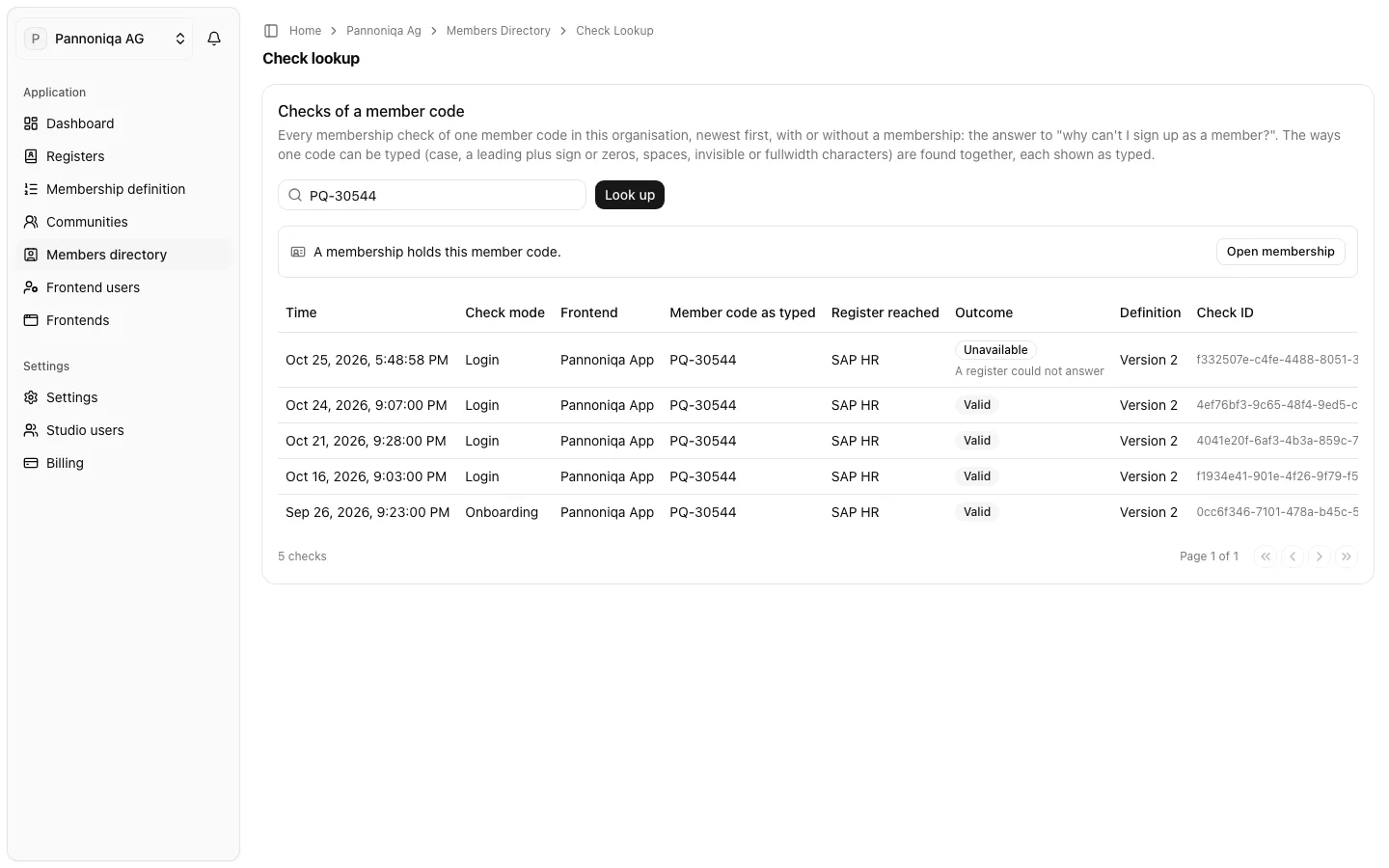
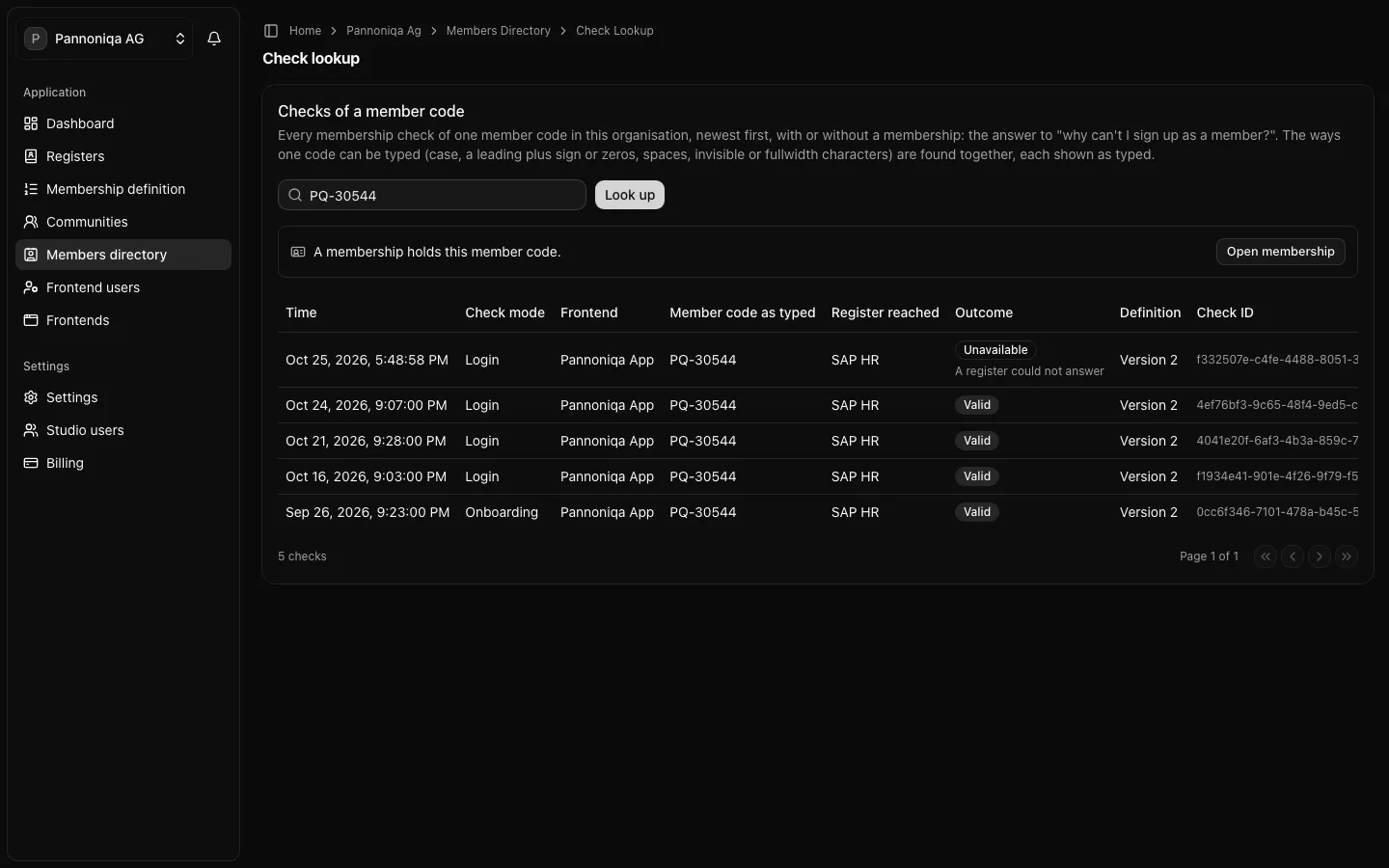
Above the list, the lookup says whether a membership holds the member code: "A membership holds this member code." with "Open membership", or "No membership holds this member code."
Read the checks
Each row is one check:
- "Time", in your time zone;
- "Check mode": "Onboarding", "Login" or "Eligibility" (see Check modes);
- "Frontend": where the check came from;
- "Member code as typed": "The ways one code can be typed (case, a leading plus sign or zeros, spaces, invisible or fullwidth characters) are found together, each shown as typed.";
- "Register reached": the register that decided or failed to answer;
- "Outcome": "Valid", "Not valid" or "Unavailable", with its reason, or "Rate limited";
- "Definition": the version of the membership definition the check ran under;
- "Check ID".
What the reasons mean
| Reason | What to do |
|---|---|
| "Not found in any register" | Often a typo in the member code. Check that the person is in a register and that their entry is not deactivated. |
| "Names or birth date do not match" | The person typed their names or birth date differently from the register. Correct the entry if the register is wrong. |
| "Refused by a blocking register" | A register with the outcome "Refuses" found them. |
| "Found, but no register decides it" | They are in a register, but no register lets them in. Check that their status is one of the register's "Statuses that count as members", then the filters of its register assignment. |
| "Another person holds the membership" | Another frontend user already holds the organisation membership of this member code. |
| "A register could not answer" | An external register was unavailable. Test its connection. |
| "Valid, but outside the frontend's community" | A check in eligibility mode for someone who is a member, but not in the community of the frontend that asked. |
"Rate limited" means the check was refused before any register was asked, because of too many failed checks. See Rate limits.
An example
Franz Hofer writes to Pannoniqa's support desk that he cannot sign up for the Pannoniqa Portal. The lookup for PQ-10088 shows an onboarding check yesterday: "Not valid", "Names or birth date do not match", register reached "Retirees". The birth date he typed differs from the one in his entry. If the entry is wrong, correct it; then he can sign up again.
The person never sees these reasons: the sign-in surface tells them only that it did not work, and their support request does not say why. The reasons stay in the Studio.
Checks are kept for 24 months.