• Blog
  • Changelog
  • Roadmap
  • Pricing
  • FAQ
  • Getting started
    • Key concepts
    • Sign in
    • Create and switch organisations
    • Dashboard
  • Registers
    • Create and change a register
    • Upload and download entries
    • Add, edit and deactivate entries
    • Groups
    • Claims
    • Challenge codes
    • Connect and test an external register
    • Register activity
  • Membership definition
    • Add and order register assignments
    • Filters and outcomes
    • Preview before saving
    • Save and version history
  • Member code query
  • Members directory
    • Find a member
    • Look up the checks of a member code
    • Deactivate a membership
    • Anonymize a membership
  • Communities
    • Create, rename and delete a community
    • Filter by register, status, groups and claims
  • Frontends
    • Create a frontend
    • Frontend keys
    • Released claims
    • Sign-in settings
    • Guest access
    • Sign-in branding
  • Login with appsolut
    • Sign-up and onboarding
    • Sign-in and sign-out
    • Support requests
  • Frontend users
    • Find a frontend user
    • Membership and activations
    • Block a frontend user
    • Export a frontend user's data
    • Disconnect a frontend
  • Membership check
    • Check modes
    • Results and the check log
    • Rate limits
    • Grace rule
  • Vouchers
    • Partners
    • Create a voucher offer
    • Voucher pools
    • Activate, pause and end a voucher offer
    • Voucher settings
    • Import from the Portal
  • Redemptions
    • Handle a redemption
    • Redemption settings
  • Organisation settings
    • Organisation profile
    • Studio users and roles
    • Permissions
    • Billing
    • Roadmap and feature requests

appsolut ONE – enterprise community server. One platform for your internal and external communities, with membership and sign-in built in.

About
  • Blog
  • Contact
Documentation
  • Studio
  • Portal
  • Developers
Product
  • Roadmap
Legal
  • Terms of Service
  • Privacy Policy
  • Cookie Policy
  • Impressum

© Copyright 2026 appsolut ONE. All Rights Reserved.

  • Blog
  • Changelog
  • Roadmap
    1. Documentation
    2. Studio
    3. Membership definition
    4. Save and version history
    Membership definition

    Save and version history

    Publish the membership definition as a new version, and read the versions saved before.

    Studio roles: "Owner" and "Administrator", and Studio users with a permission set that holds "Community: manage".

    Save and publish

    When your changes are ready, choose "Save and publish". "Saving publishes the definition at once as a new version." The page then shows the new version, for example "Version 3", with who saved it and when.

    • "Discard changes" undoes everything since the last save.
    • If you leave the page with unsaved changes, the Studio asks first, as the changes would be lost.
    • If another Studio user saved in the meantime, nothing is saved: "Someone else saved in the meantime". Choose "Load the current version" and make your changes again.

    The new version applies from each person's next membership check. It does not re-check anyone at once: a member's status and communities change at their next sign-in.

    Version history

    Choose "Version history" at the top of the editor. "Saved versions" lists every save with its "Version", "Saved by", "Saved on" and number of "Assignments"; the newest is marked "Current".

    The history shows 10 versions a page. Choose 20, 50 or 100 under "Rows per page", below the list, to see more at once; the list starts again at its first page. The Studio remembers your choice in this browser and uses it the next time you open a version history, in every organisation. A link to the history someone shares with you opens with the number of rows it was copied at and leaves your own choice as it is. Only a link to the first page at 10 rows opens with your own choice.
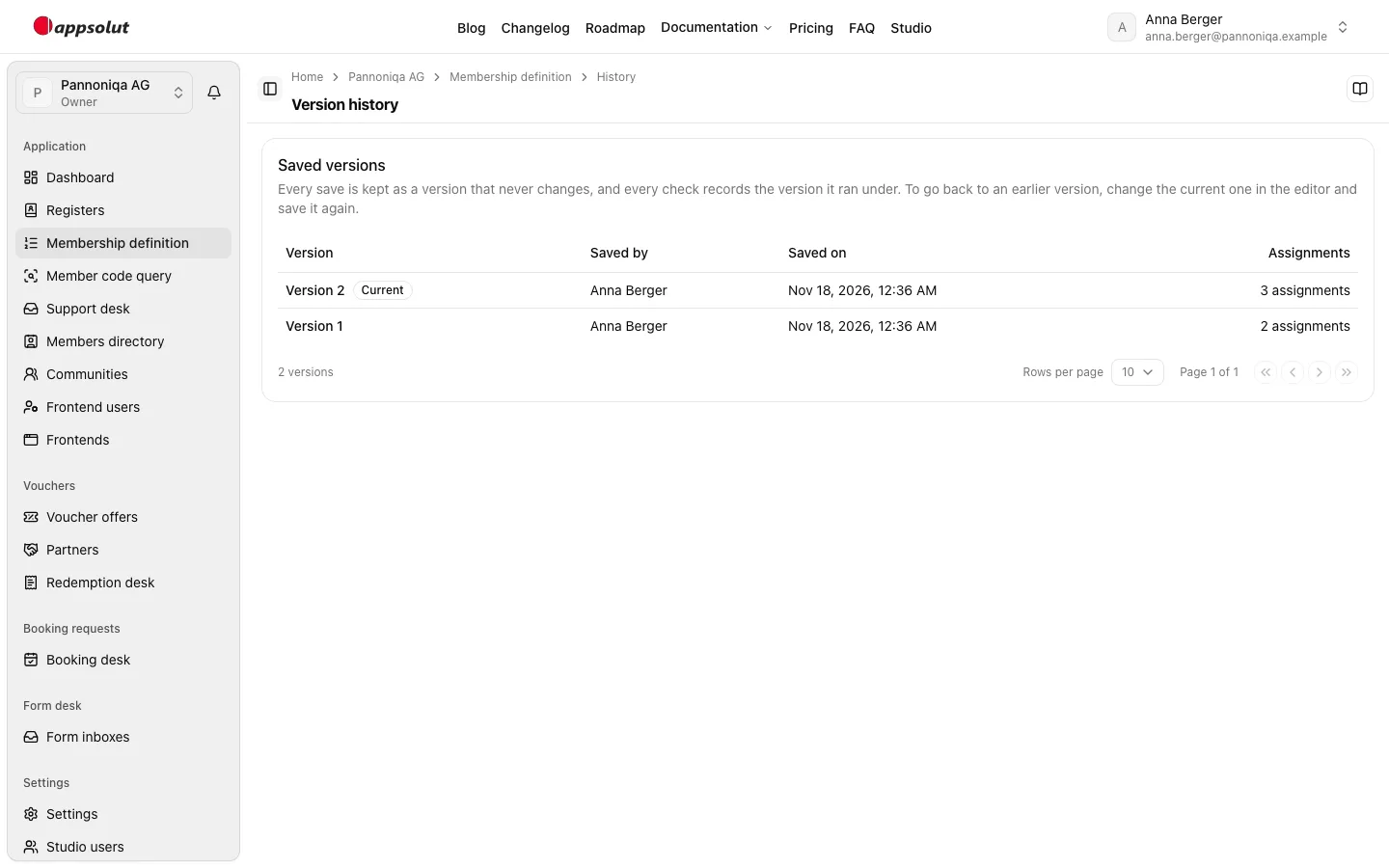
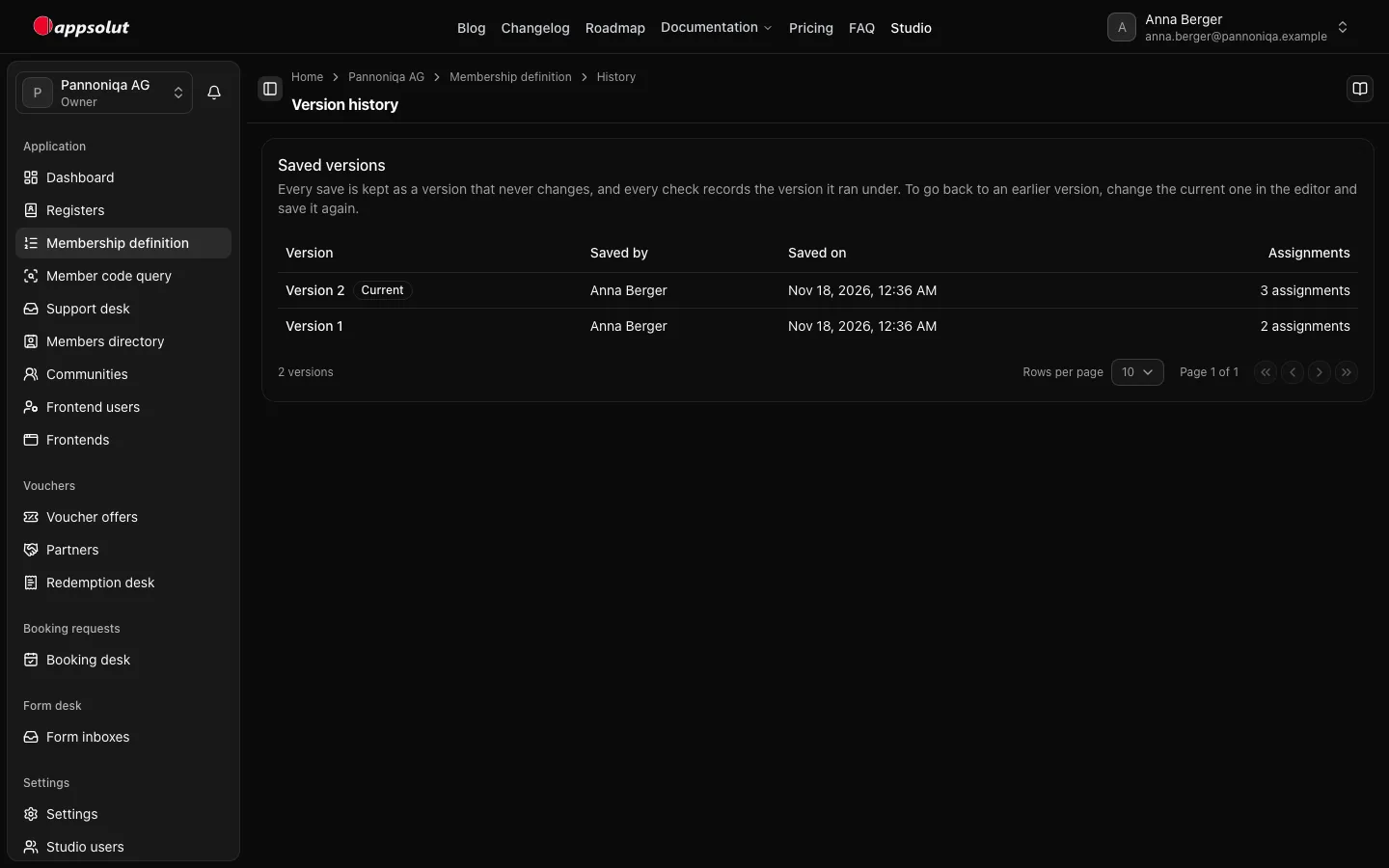
    The version history of Pannoniqa AG's membership definition with versions 1 and 2, who saved them and when, and the number of assignmentsThe version history of Pannoniqa AG's membership definition with versions 1 and 2, who saved them and when, and the number of assignments

    Open a version to see its register assignments as they were saved. "Saved versions are read-only and never change." A register renamed since shows its old name with "now called …"; a deleted one is "Deleted since this version was saved; shown by the name it had then."
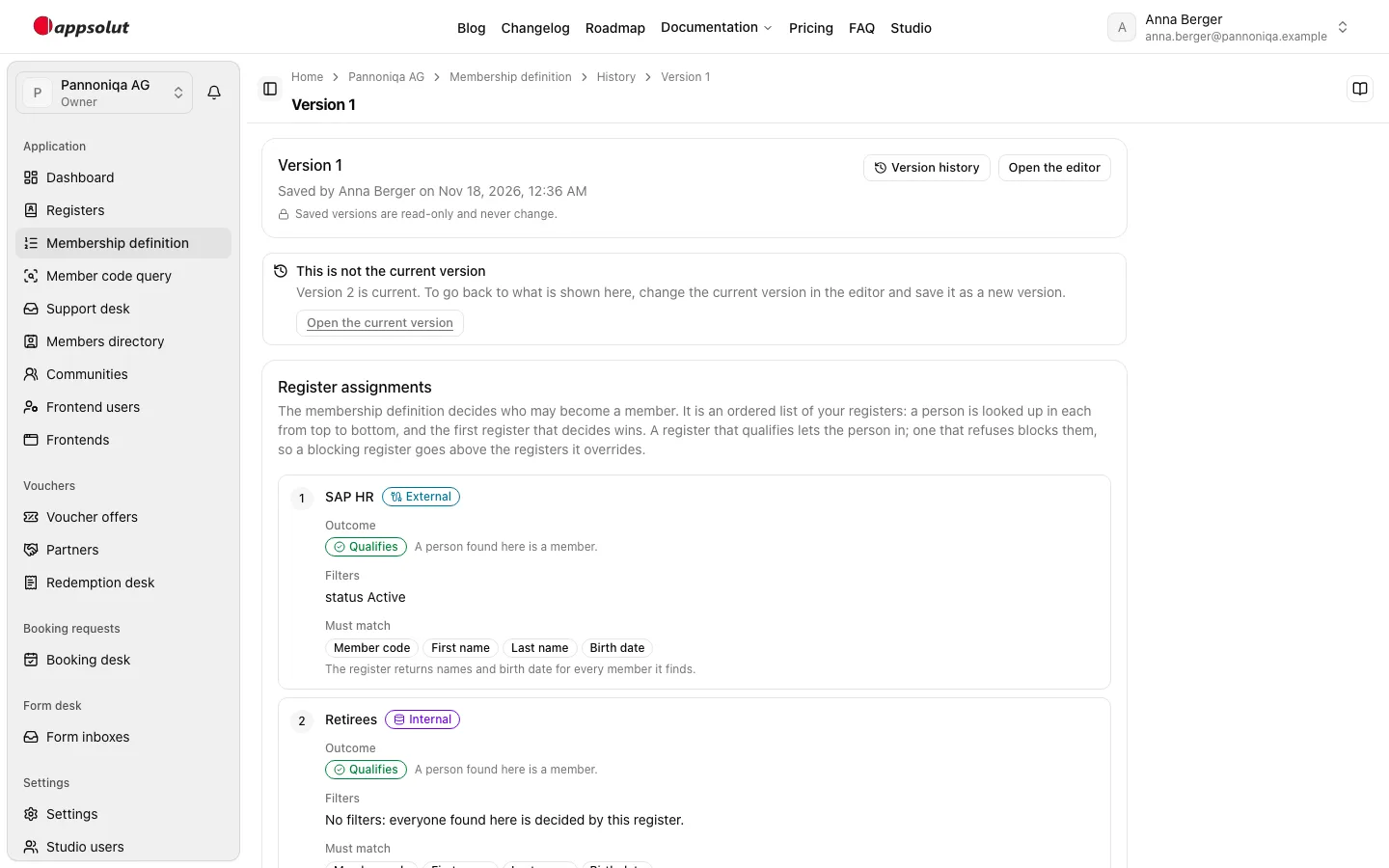
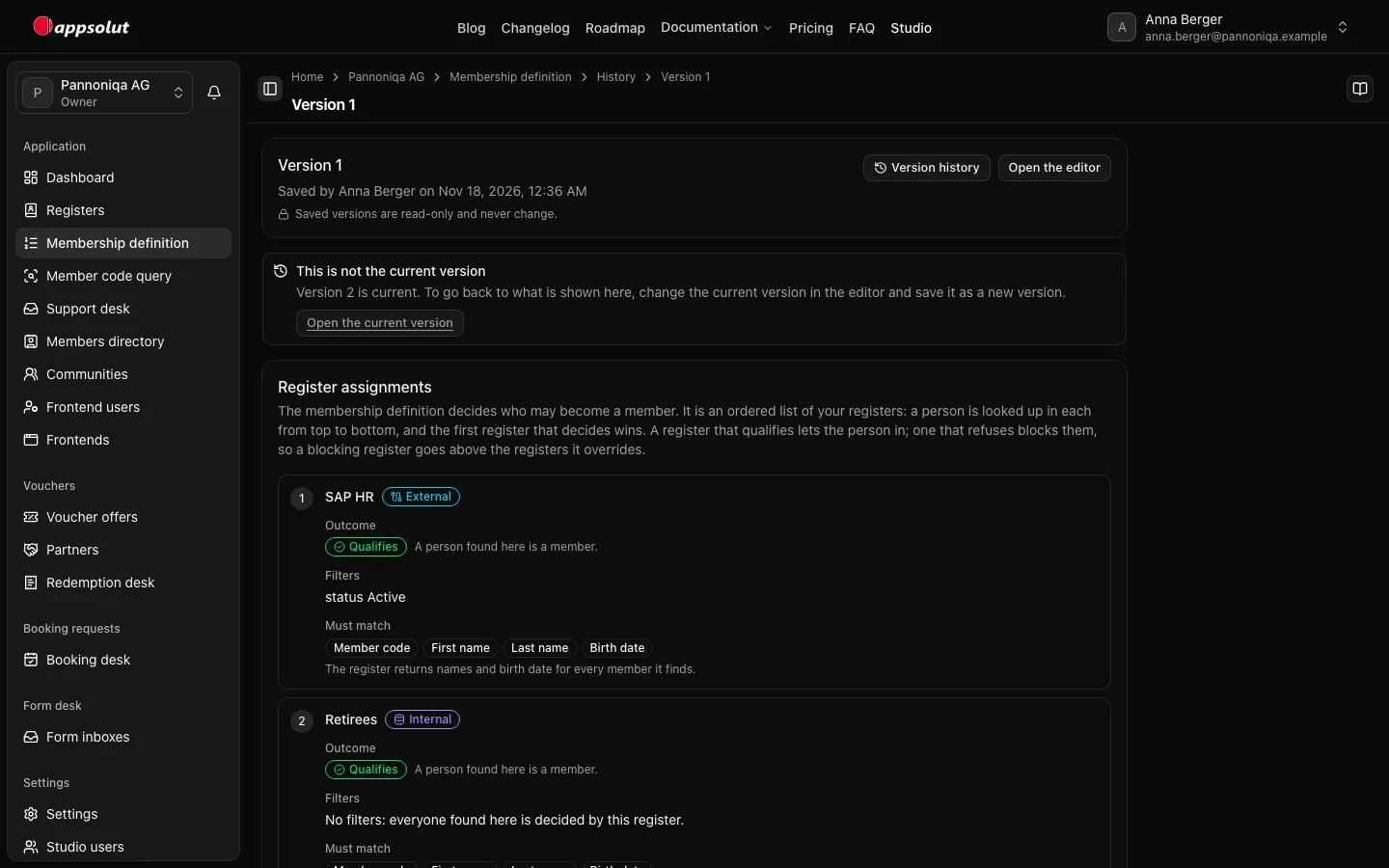
    Version 1 of Pannoniqa AG's membership definition, read-only, with SAP HR and RetireesVersion 1 of Pannoniqa AG's membership definition, read-only, with SAP HR and Retirees

    Go back to an earlier version

    A saved version cannot be restored directly. "To go back to an earlier version, change the current one in the editor and save it again." Open the old version beside the editor and repeat its register assignments, then choose "Save and publish". The result is a new version.

    Every check records the version it ran under. The check lookup shows it in the "Definition" column, and a member's page under "Definition of the last check".

    Previous pagePreview before savingNext pageMember code query