Register activity
See who changed which register, entry or connection, when, and what the values were before and after.
Studio roles: "Owner", "Administrator" and "Community manager".
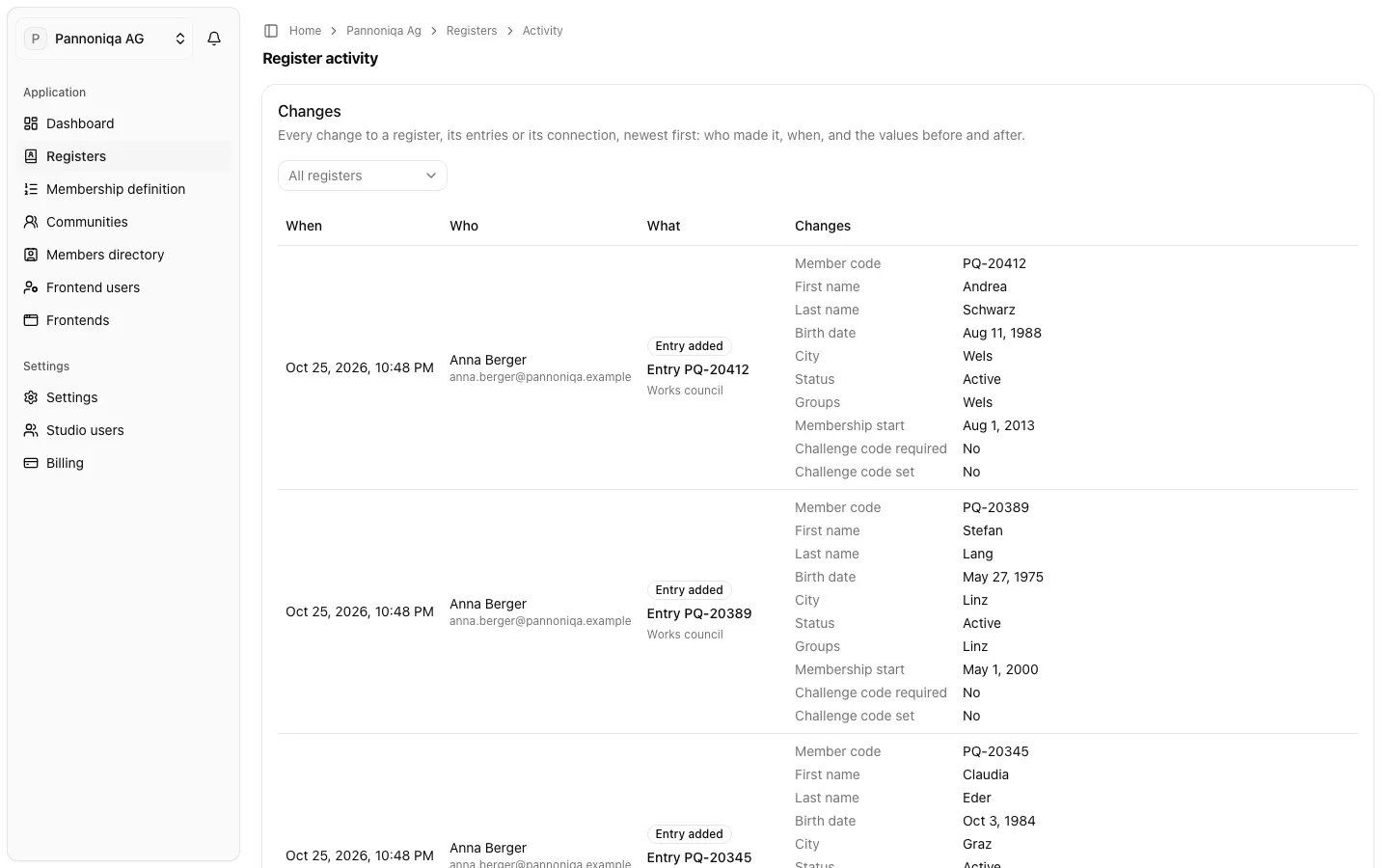
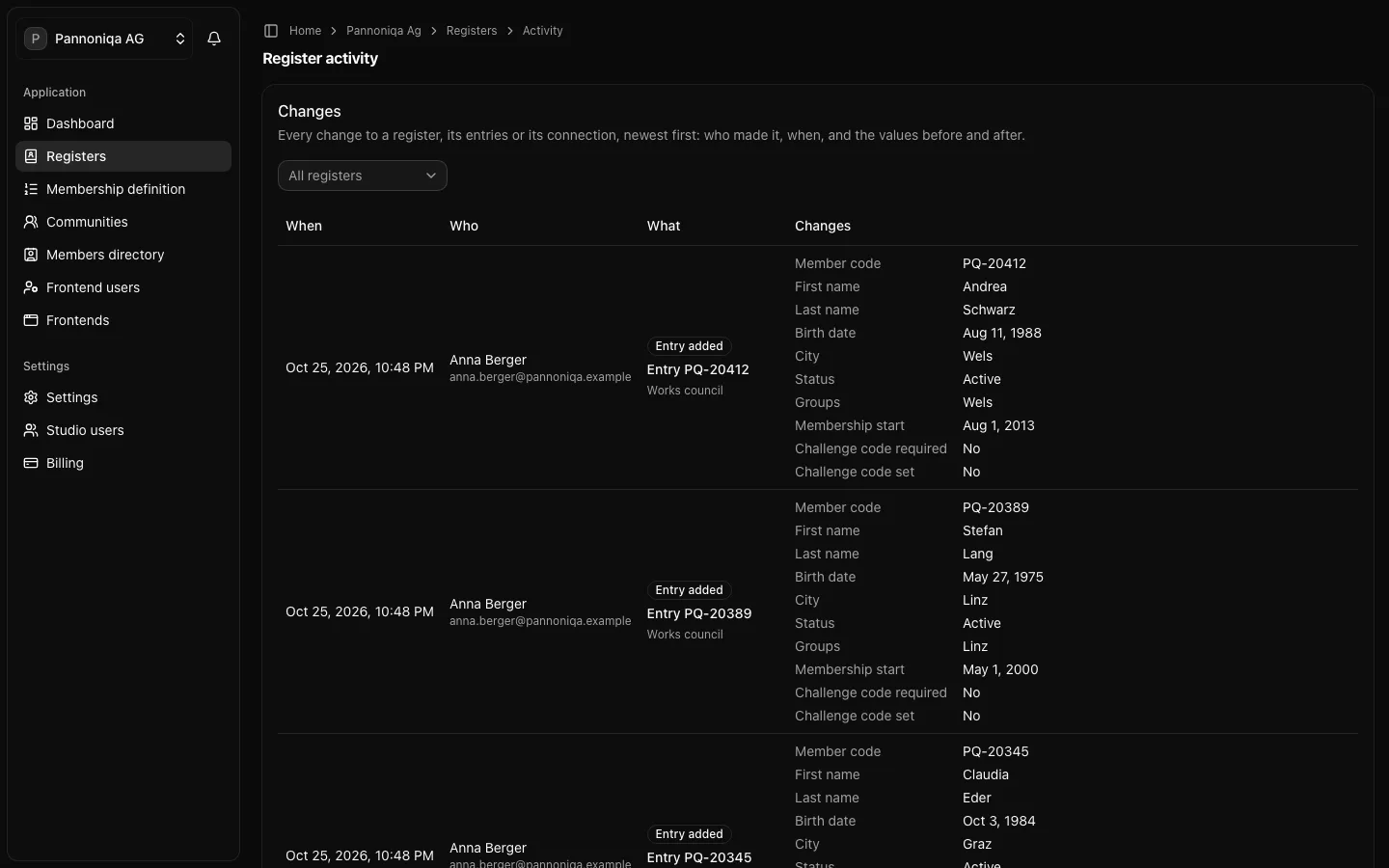
The register activity records "Every change to a register, its entries or its connection, newest first: who made it, when, and the values before and after." Use it to answer questions such as "who deactivated this entry?" or "what did last week's upload change?".
Open the register activity
Choose "Activity" on the "Registers" page, or on a register's page to see that register only.
The "Changes" table shows for each change:
- "When" it happened, in your time zone;
- "Who" made it. A Studio user who has since been deleted shows as "Deleted user";
- "What" changed: the register, an entry (for example "Entry PQ-10017") or the "Connection";
- the "Changes", field by field, before and after.
To see one register, choose it in the filter above the table instead of "All registers". A deleted register is still listed, as "Retirees (deleted)" for example.
What is recorded
- A register created, changed or deleted, including its name, description, kind, the statuses that count as members and its groups.
- An entry added, changed, deactivated or reactivated, by hand or by upload. An upload records every entry it changed.
- A connection added, changed or removed.
Secrets never appear. A new challenge code shows as "Challenge code replaced", a new API key as "API key replaced", never the code or the key.
The register activity keeps each change for 24 months.