Deactivate a membership
Switch an organisation membership off, with a reason, so that it makes no one a member.
Studio roles: "Owner", "Administrator" and "Community manager".
Deactivate a membership when it should make no one a member any more, for example when the same person also signed up with a private email and now holds the wrong membership.
Deactivate a membership
- Open "Members directory" and choose the member.
- Choose "Deactivate".
- Enter the "Reason". It is "Shown in the history, up to 500 characters."
- Choose "Deactivate".
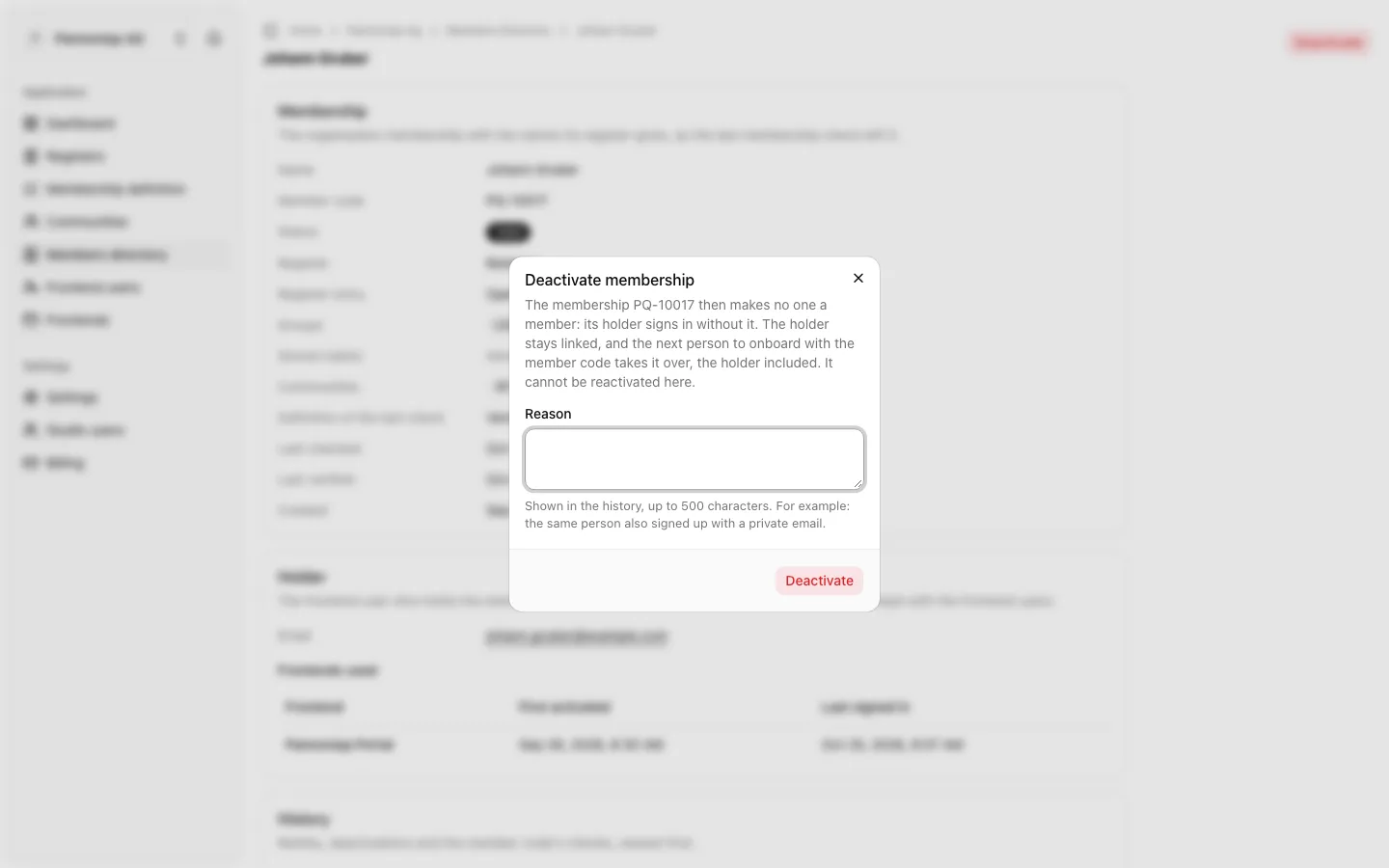
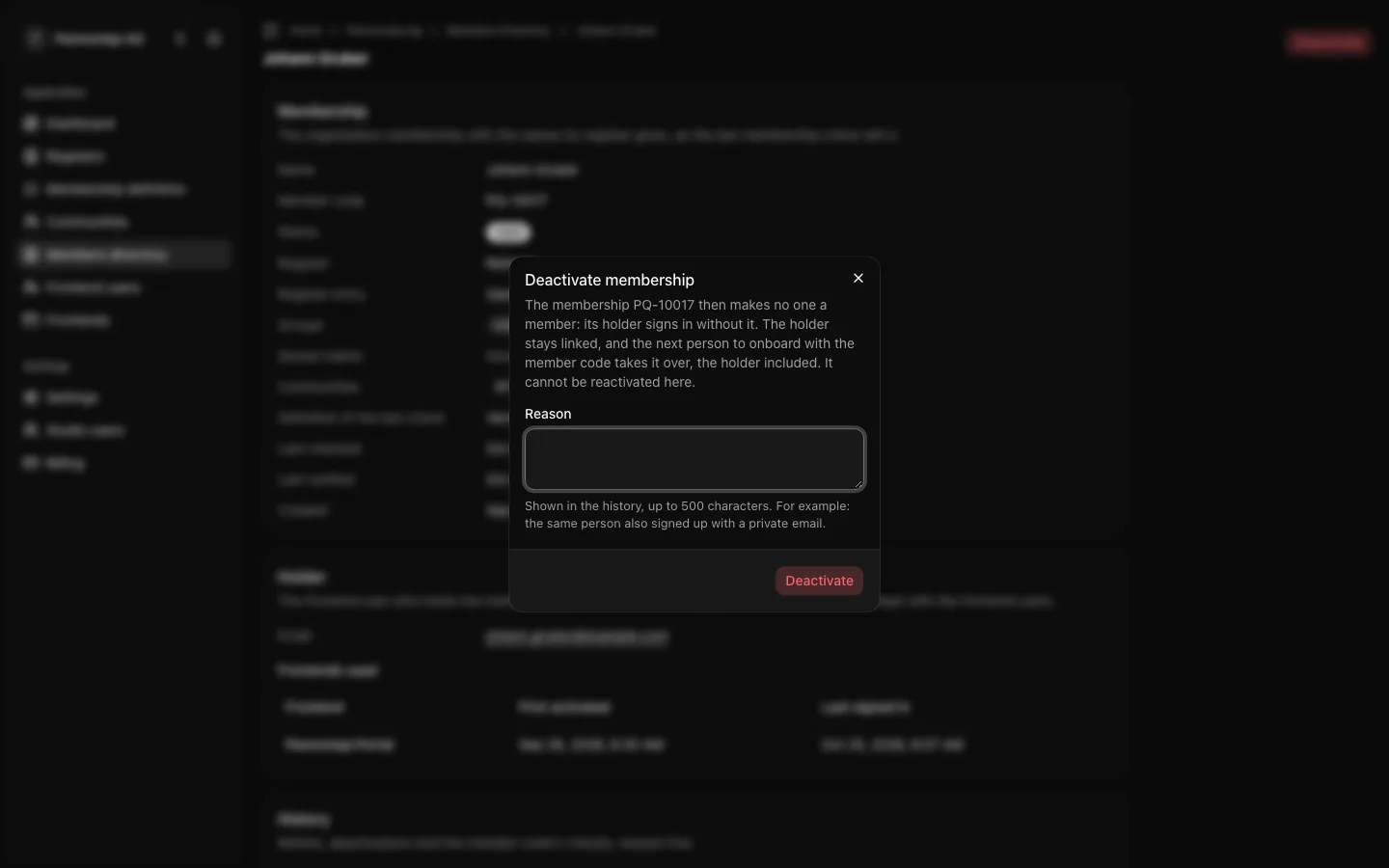
The member's page then shows the status "Deactivated", and the history shows the deactivation with your name and reason.
What deactivation does
"The membership PQ-10017 then makes no one a member: its holder signs in without it."
- The holder stays linked. From their next sign-in or token refresh they are no longer a member, and a frontend that requires a membership asks them for their member code again before it lets them in.
- The member code is free again. The next person to onboard with the member code takes the membership over, the holder included: a holder who onboards again with their own member code wins it back.
- No reactivate button. "It cannot be reactivated here." The membership becomes valid again only when someone onboards with its member code.
- Registers are untouched. The register entry stays as it is. To stop the member code from qualifying at all, deactivate the entry in its register too.
Deactivating a membership does not shut the person out of your frontends: they can still sign in, just not as a member. To shut a person out of every frontend, block their frontend user under "Frontend users" instead.
Deactivated memberships are hidden from the members directory's default view. Choose "Deactivated" under "Status" to list them.