Membership definition
How the ordered list of registers decides who may become a member.
Studio roles: "Owner" and "Administrator", and Studio users with a permission set that holds "Community: read" or "Community: manage". Without "Community: manage" they see the current version and its history instead of the editor. Other Studio users do not see "Membership definition" in the sidebar. Permissions lists which permission each page and action needs.
The membership definition decides who may become a member of your organisation. "It is an ordered list of your registers: a person is looked up in each from top to bottom, and the first register that decides wins." Your organisation has exactly one membership definition, and every membership check walks it.
Register assignments
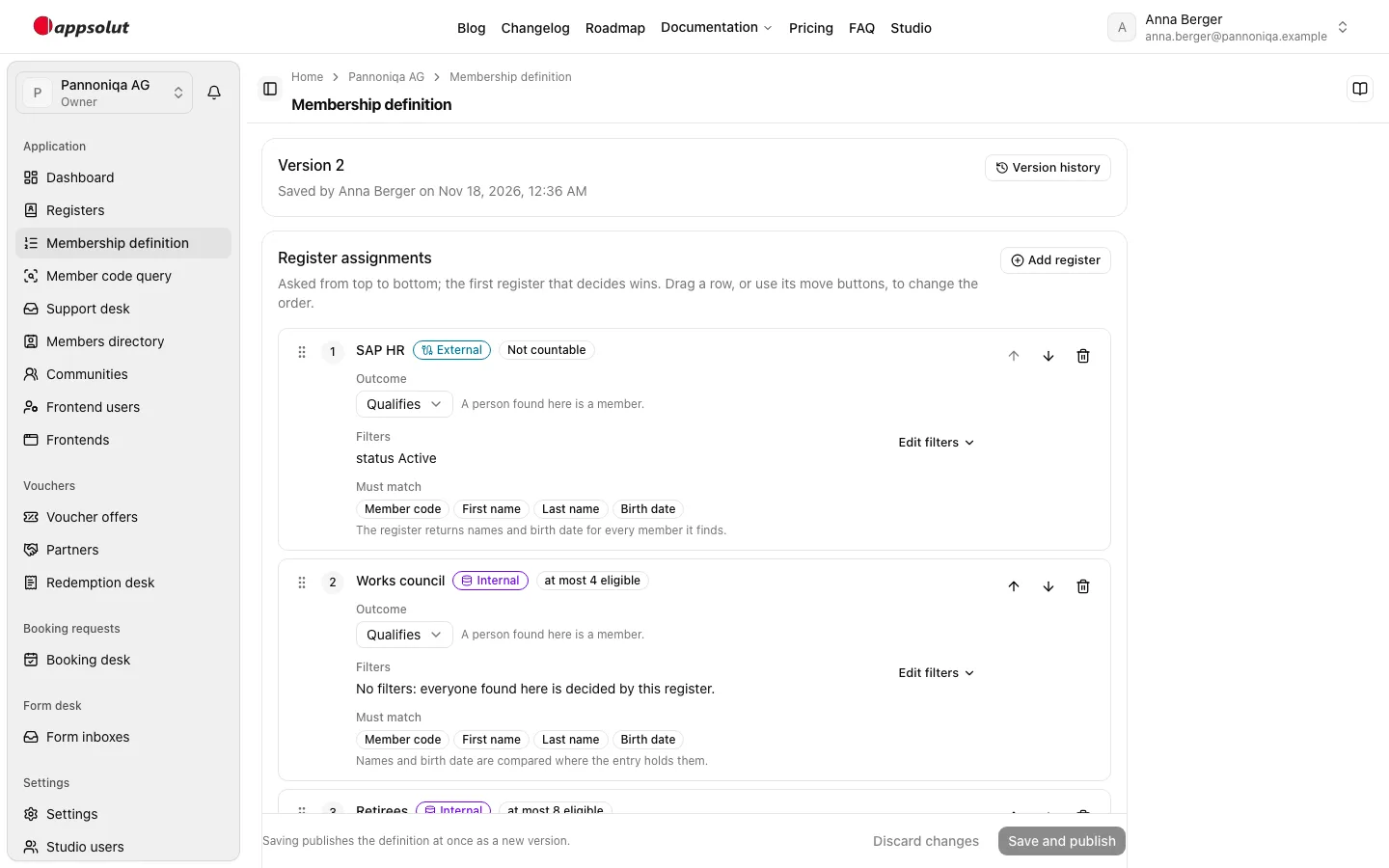
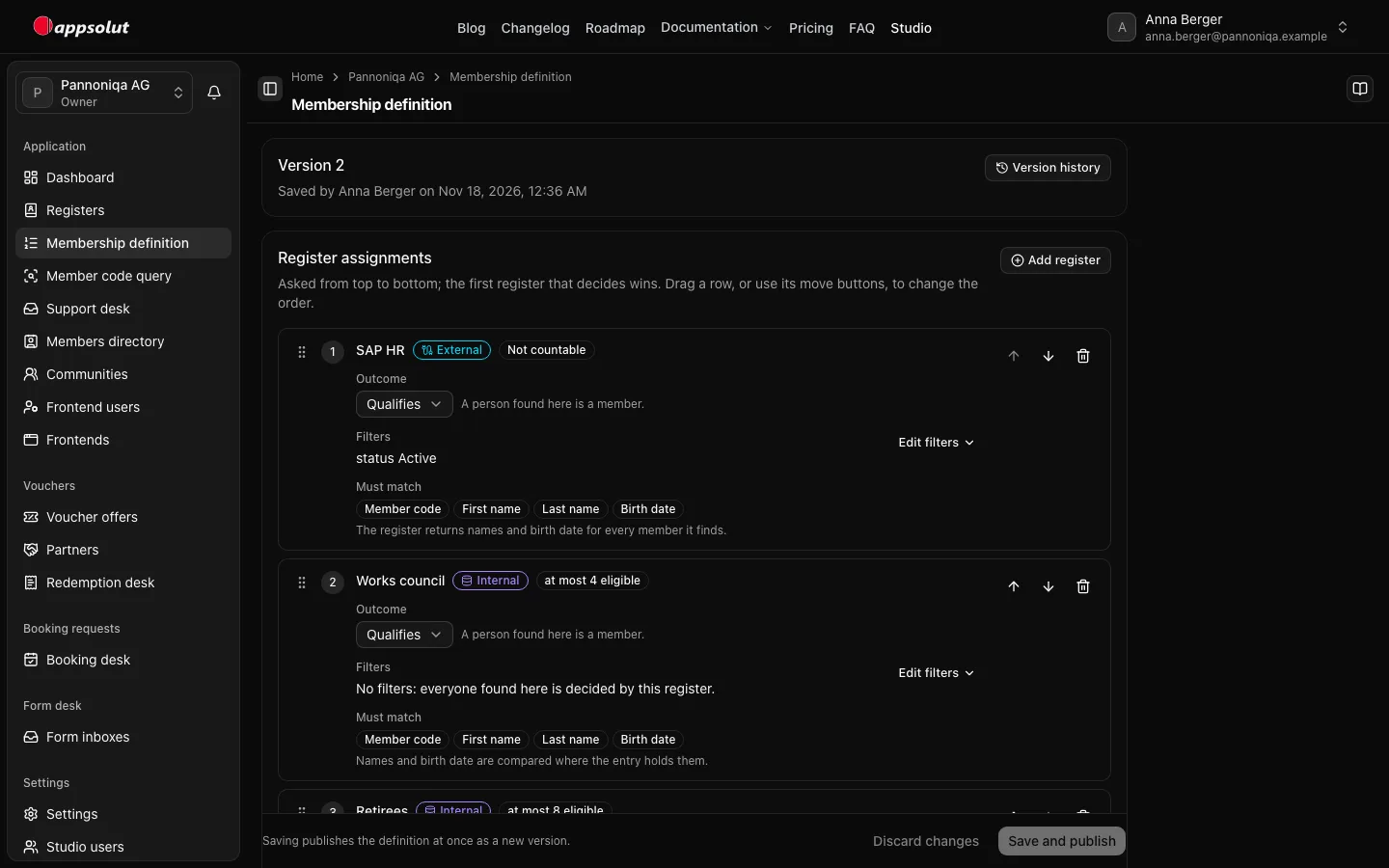
Each place in the list is a register assignment: one register with its position, its filters and its outcome.
- Outcome "Qualifies": "A person found here is a member."
- Outcome "Refuses": "A person found here is refused, even if a later register would accept them." A register that refuses therefore goes above the registers it overrides.
- Filters: conditions a person found in the register must pass, such as a status or a group. "Someone who does not pass them is not decided here, and the next register is asked." See Filters and outcomes.
The same register may appear more than once, with different filters and outcomes.
How a check walks the definition
For each register assignment, from the top:
- The Studio looks the member code up in the register. A deactivated entry counts as not found.
- If the person is found, their status is one the register counts as members and they pass the assignment's filters, this register decides: the person is valid ("Qualifies") or not valid ("Refuses"). The walk ends.
- Otherwise the next register is asked. A person who is found but whose status the register does not count is passed on too: a member code query shows them as "Found, filtered out".
If no register decides, the person is not valid: "Not found in any register" when no register found them, otherwise "Found, but no register decides it". If a register cannot answer, for example an external register that is down, the walk stops there and the result is unavailable: the Studio cannot tell whether a register below would have decided differently.
When a person onboards, the deciding register must also confirm who they are. Under "Must match", each assignment shows what is compared: the member code, first name, last name and birth date. For an internal register, "Names and birth date are compared where the entry holds them."
An external register confirms the person with the names and birth date it sends; checks in the modes "Onboarding" and "Eligibility" compare them. If it finds the member code without them, it cannot confirm anyone. When it counts the person's status, the check ends there as unavailable. When it does not count the status, the person is passed on to the next register, as in step 3, and is not valid if no register below decides.
An example
Pannoniqa AG's definition has three register assignments:
| Position | Register | Outcome | Filters |
|---|---|---|---|
| 1 | SAP HR | Qualifies | status Active |
| 2 | Works council | Qualifies | none |
| 3 | Retirees | Qualifies | none |
An active employee is decided by SAP HR. A works council member on leave, whose status in SAP HR is "Inactive", does not pass SAP HR's filter, so the "Works council" register is asked and decides. A retiree is in neither of the first two and is decided by "Retirees".
Versions
Saving publishes the definition at once as a new version, and every check records the version it ran under. Earlier versions stay readable in the version history. See Save and version history.