Frontends
The websites and apps your organisation's people sign in to, and how the Studio decides who may use them.
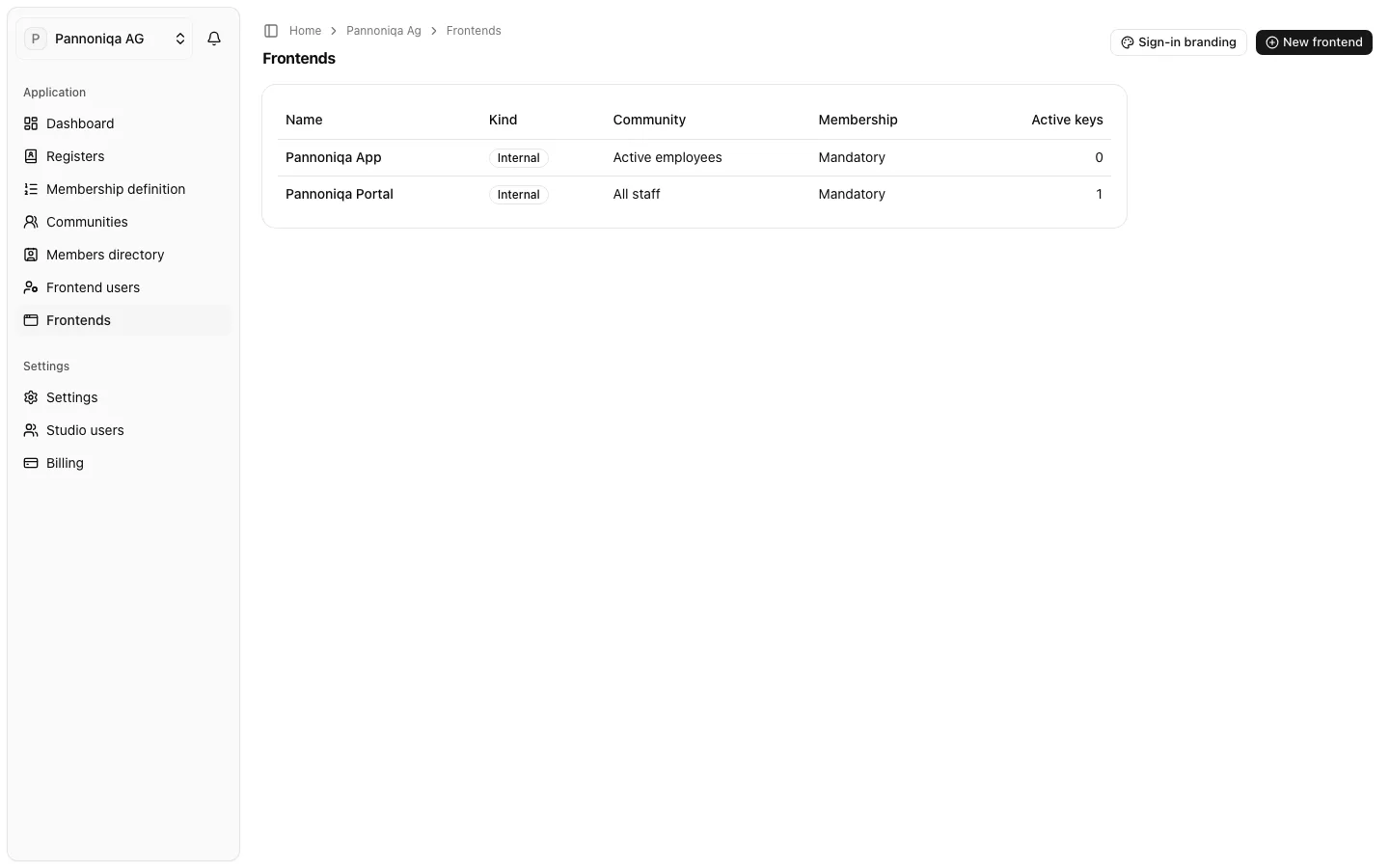
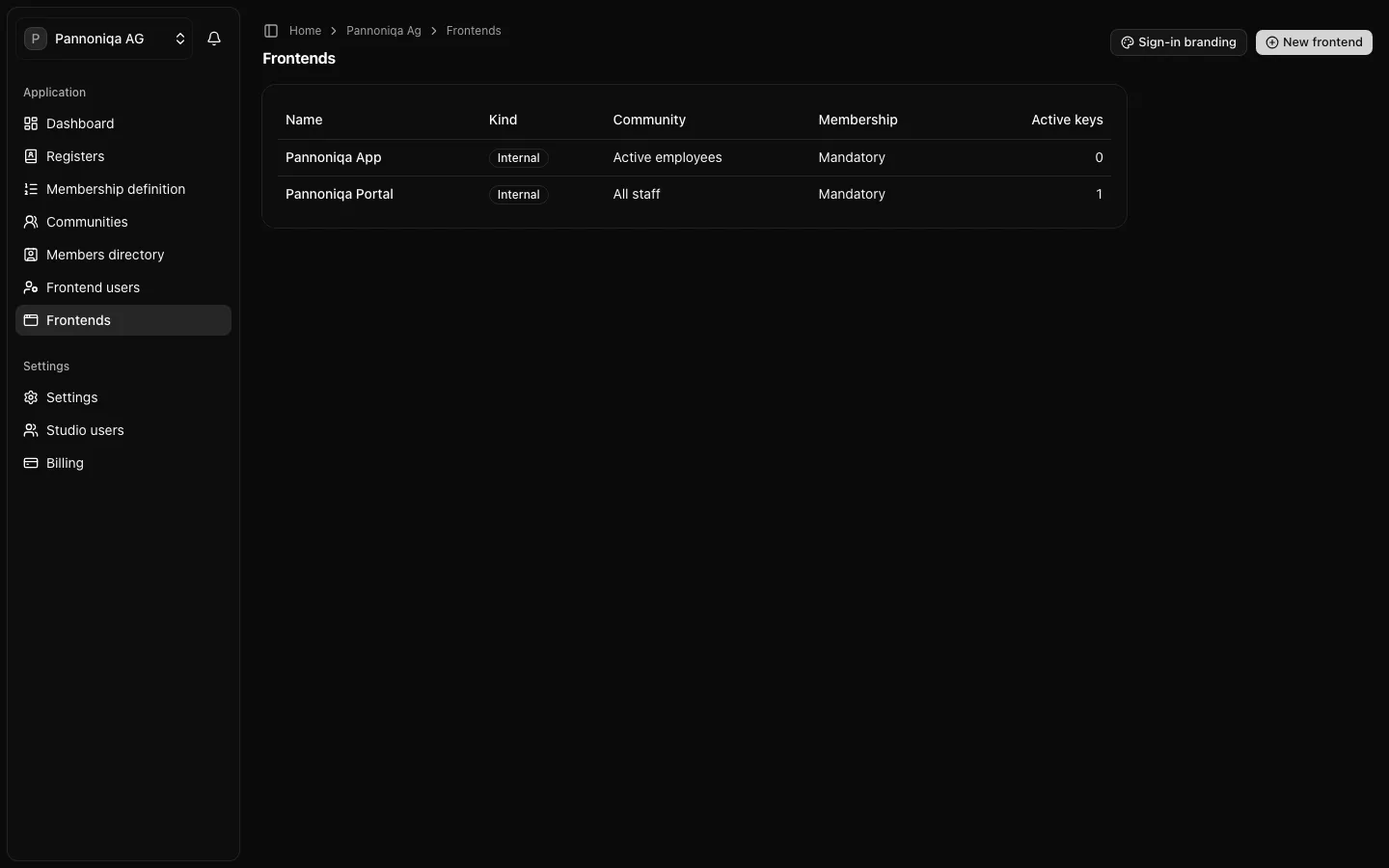
A frontend is an app the organisation's people sign in to with Login with appsolut: one of its own websites or mobile apps, or an external app it connects. Pannoniqa AG has two: the "Pannoniqa Portal", a Community Portal for all staff, and the mobile "Pannoniqa App" for active employees.
What a frontend has
- A kind. "Internal" is a website or mobile app of your own, "External" an app of someone else that you connect. The kind is set when the frontend is created and cannot be changed.
- Exactly one community. It decides which members may use the frontend. The "Pannoniqa Portal" is served by "All staff", the "Pannoniqa App" by "Active employees".
- A membership rule. With "Membership mandatory" on, a frontend user needs a valid membership and must be in the frontend's community to use the frontend. With it off, everyone with an account may sign in, and the frontend learns whether they are a member of its community. New frontends start with it on.
- Keys. A frontend key lets the frontend's own backend call the Studio without a signed-in user, for example to ask whether an applicant is eligible.
- Sign-in settings. The app type, the redirect URIs, the start URL and the sign-in client (client ID and client secret) that let the frontend sign its users in with Login with appsolut.
Frontend keys and the client secret are different credentials: the key is for the backend's own calls to the Studio, the secret for exchanging a sign-in for tokens.
Once a frontend is connected, everyone who signs in to it becomes a frontend user of your organisation, see Frontend users. The sign-in screens look the same for all your frontends, with the sign-in branding you set once for the organisation.
Who can do this
Studio roles: "Owner", "Administrator" and "Frontend manager". Other Studio users do not see "Frontends" in the sidebar.
In this section
- Create a frontend: name it, choose its kind and community, and decide whether membership is mandatory.
- Frontend keys: issue, rotate and revoke the keys of a frontend's backend.
- Sign-in settings: set up a frontend for Login with appsolut.
- Sign-in branding: how the sign-in screens of all your frontends look.
To switch a frontend off, see Disconnect a frontend. How a frontend's developers integrate Login with appsolut is in the developer documentation.