Redemptions
The codes your members were given for your voucher offers, and the mails the Studio sends about each redemption.
A redemption is the moment a member is given a voucher code for one of your voucher offers through a frontend, such as a Community Portal. The Studio records which code went to whom, for which offer and from which frontend, and gives it a reference starting with RD-, which the member can quote. The people who handle redemptions and answer members about them are your redemption office.
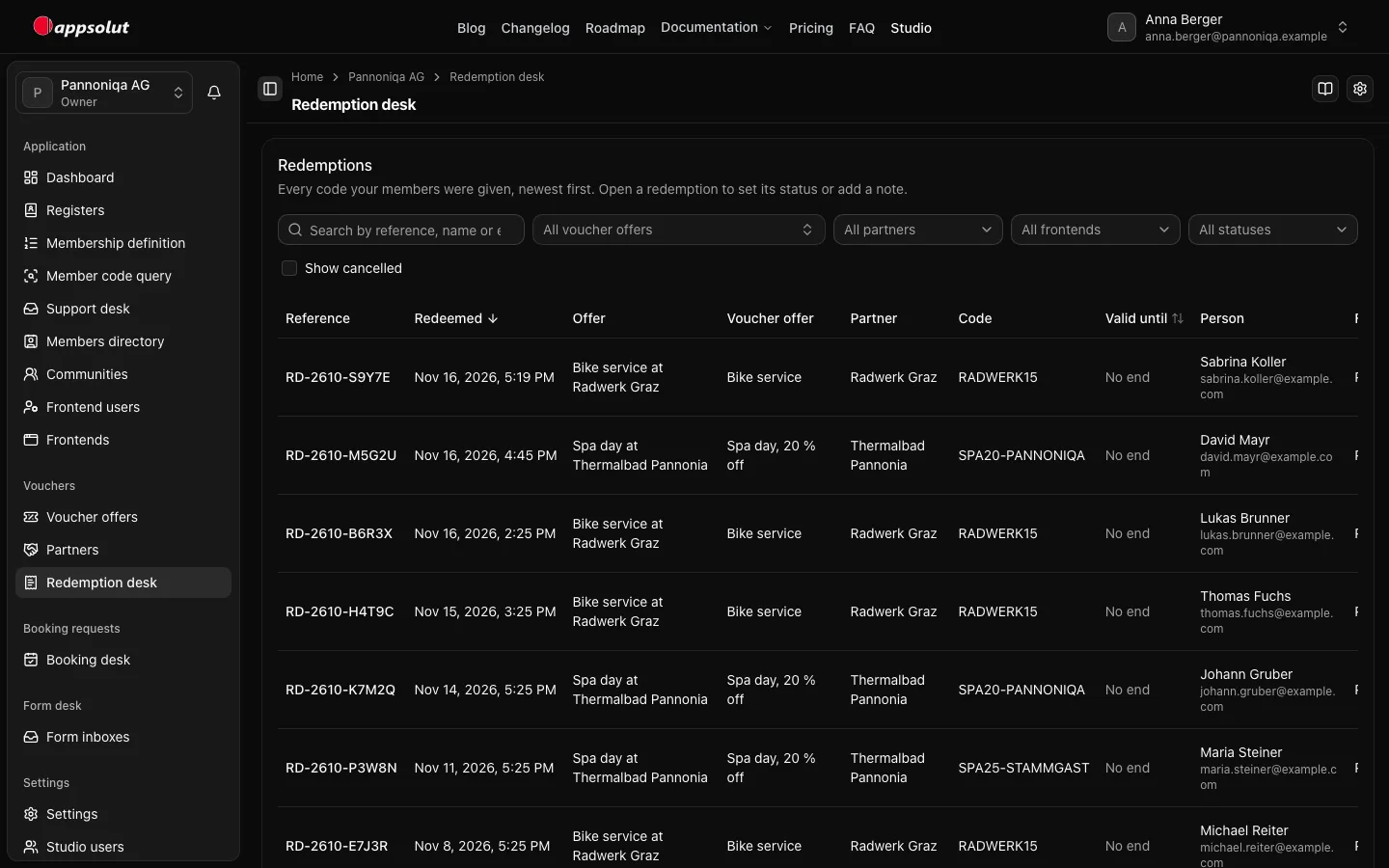
You find every redemption under "Vouchers", "Redemptions" in the sidebar: newest first, with its reference, the offer as the member saw it, the voucher offer, the partner, the code the member was given in full, its valid-until date, the member, the frontend, the channels the page offered, the partner message and the mails. Search by reference, name or email, and narrow the list by voucher offer, partner, frontend or status. Cancelled redemptions are hidden until you tick "Show cancelled", and only then does the status filter offer "Cancelled"; a link that filters by "Cancelled" ticks it for you. Done redemptions always show. The list counts only the redemptions it shows.
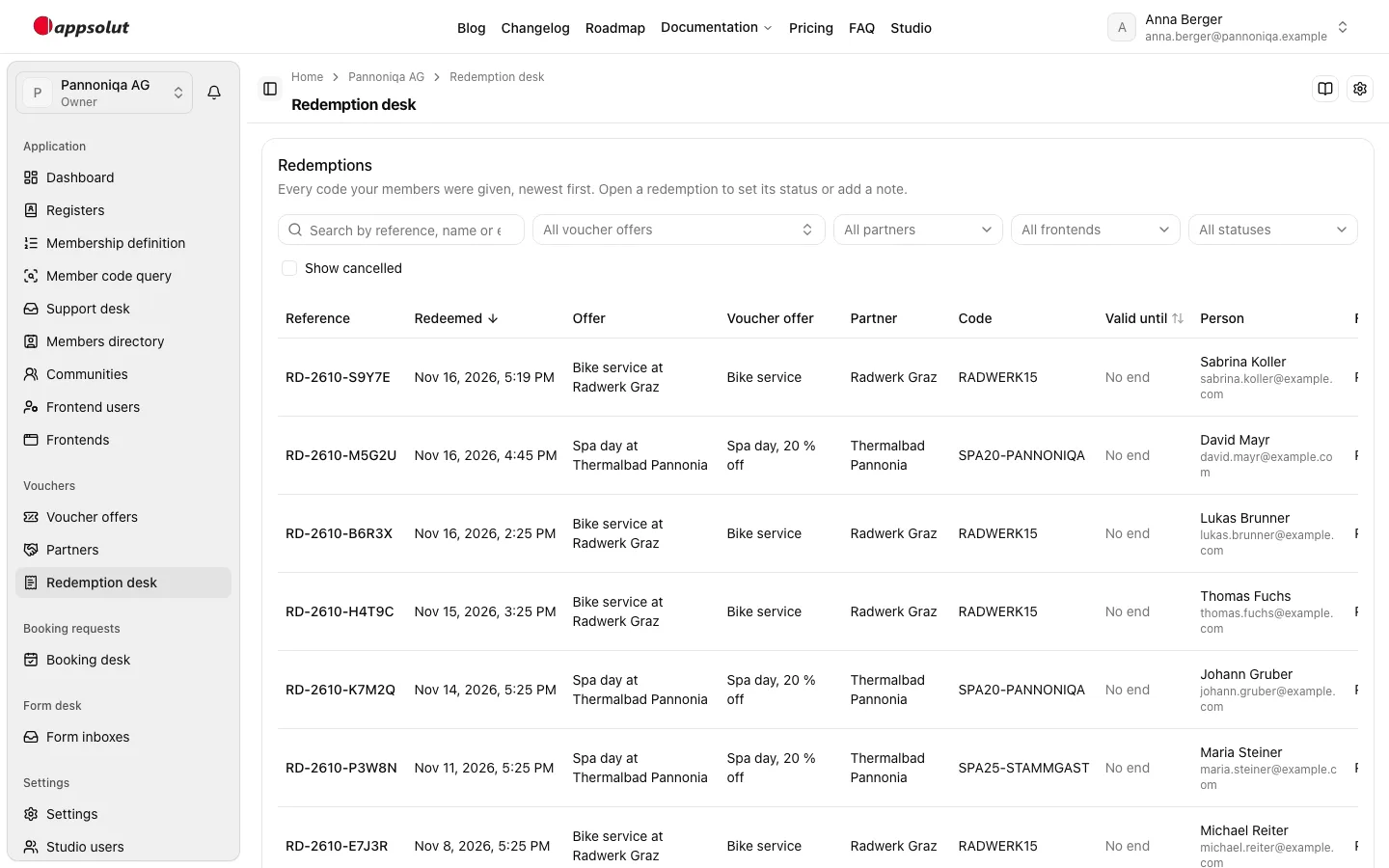
Status and note
Each redemption has a status: "Open", "In progress", "Done" or "Cancelled". A redemption is a record first: in nearly every case the member gets their code and nothing is left to handle, so a new redemption starts "Done". It becomes "Open" when mail about it lands with your organisation: when the member's message to the partner (below) goes to your default redemption address, because the partner has no redemption address of its own. The Studio opens only a redemption that is "Done"; one "In progress" or already "Open" stays as it is. A message to the partner's own redemption address changes nothing, as the partner answers the member directly. The redemption office sets the status itself whenever it likes, and filtering the list by "Open" shows what is waiting for it.
A note keeps what the office knows about a redemption. The member never sees the status or the note. The Studio records who changed the status or the note and when, and keeps that history for 24 months. A change the Studio made itself shows "The Studio" with its reason, such as "A message went to the default redemption address". A redemption is kept for 7 years after its last status change; the Studio opening it is a status change too.
Redemptions from before this rule started "Open". The Studio set those that were still "Open" and that nobody had changed to "Done" once, except where the member's message had gone to the default redemption address; their history shows "Redemptions now start done (one-time change)". That change did not restart their 7 years.
The mails of a redemption
The Studio sends every mail about a redemption itself, in your organisation's sign-in branding, in German or English. Each subject carries the redemption's RD- reference.
- The member's copy goes to every member who redeems, to the person's own email address, in the language they read the page in, with their code, its valid-until date and the partner. When they reply, the reply goes to the redemption office address.
- The redemption office's copy goes to the redemption office address when "Copy of every redemption" is on, with the code, the member and the frontend. Reply to it to answer the member directly.
- The administrator copy can already be given an address; sending it follows with a later release.
A member's message to the partner
Where the page offered the Email channel, the member can write to the partner about their redemption, once. The Studio sends the message with the member's code to the redemption address of the redemption's partner, or else to your default redemption address; never to an address the frontend names. Where the member has an email address a reply can reach, the partner's reply goes straight to them, and they get a confirmation that their message was sent, with the message quoted; when they reply to the confirmation, the reply goes to the redemption office address. Without a redemption address, the member cannot send a message, and neither can they for a cancelled redemption. An expired code does not stop it: the partner sees its valid-until date.
The mails go out right after the member has their code or has sent their message, and never hold it up. The Studio notes for each copy whether it was sent, whether sending failed, or whether it was not to be sent at all. A mail that fails never undoes the redemption: the member keeps their code. The list shows each copy as "Sent", "Failed", "Not sent" or, for the first 10 minutes, "Pending"; a copy still pending after 10 minutes shows as "Failed".
"Partner message" says whether the member wrote to the partner about the redemption: "Sent" or "Not sent", and "Email not offered" where the page did not offer the Email channel. The redemption's page shows the message under "Message to the partner": when it was sent, the address it went to, whether the partner's copy was sent, and the text. If the partner's copy failed, or is still not sent 10 minutes later, the page says so: forward the message to the partner yourself.
Anonymizing and deleting
When an organisation membership is anonymized, the Studio anonymizes the member's redemptions in the same step: those under the membership, and the redemptions of applicants without a membership whose member code is the membership's, in any spelling the membership check counts as the same code. It removes the names, the email address, the birth date, the member code, the note and the text of the message to the partner. The reference, the dates, the voucher offer, the partner, the code, the frontend, what the member was shown and the status stay, for your statistics and the settlement with the partner. The list and the redemption's page show "Anonymized" instead of the person, and the page says when. The redemption office can still change the status of an anonymized redemption, but not add a note: a note could name the person again.
A redemption without a member code belongs to no membership, so anonymizing one leaves it as it is. Until the redemption office can anonymize a single redemption itself (planned), contact your appsolut support to have such a redemption anonymized.
Every redemption is deleted 7 years after its last status change, anonymized or not, together with its mail results and its message to the partner. Changing only the note is no status change. A code from a voucher pool stays issued for ever: it never goes to anyone else.
Who can do this
Studio roles: "Owner" and "Administrator", and Studio users with a permission set that holds "Redemptions: manage". Other Studio users do not see the redemption office's pages. Permissions lists which permission each page and action needs.
In this section
- Handle a redemption: find it, set its status, add a note, and open the member page.
- Redemption settings: the redemption office address, the copy of every redemption, and the administrator address.