Partners
Add the businesses that honour your vouchers, with their contact persons and redemption address, and archive them.
Studio roles: "Owner" and "Administrator", and Studio users with the permission set "Voucher manager". With "Voucher viewer" you see the partners without changing them.
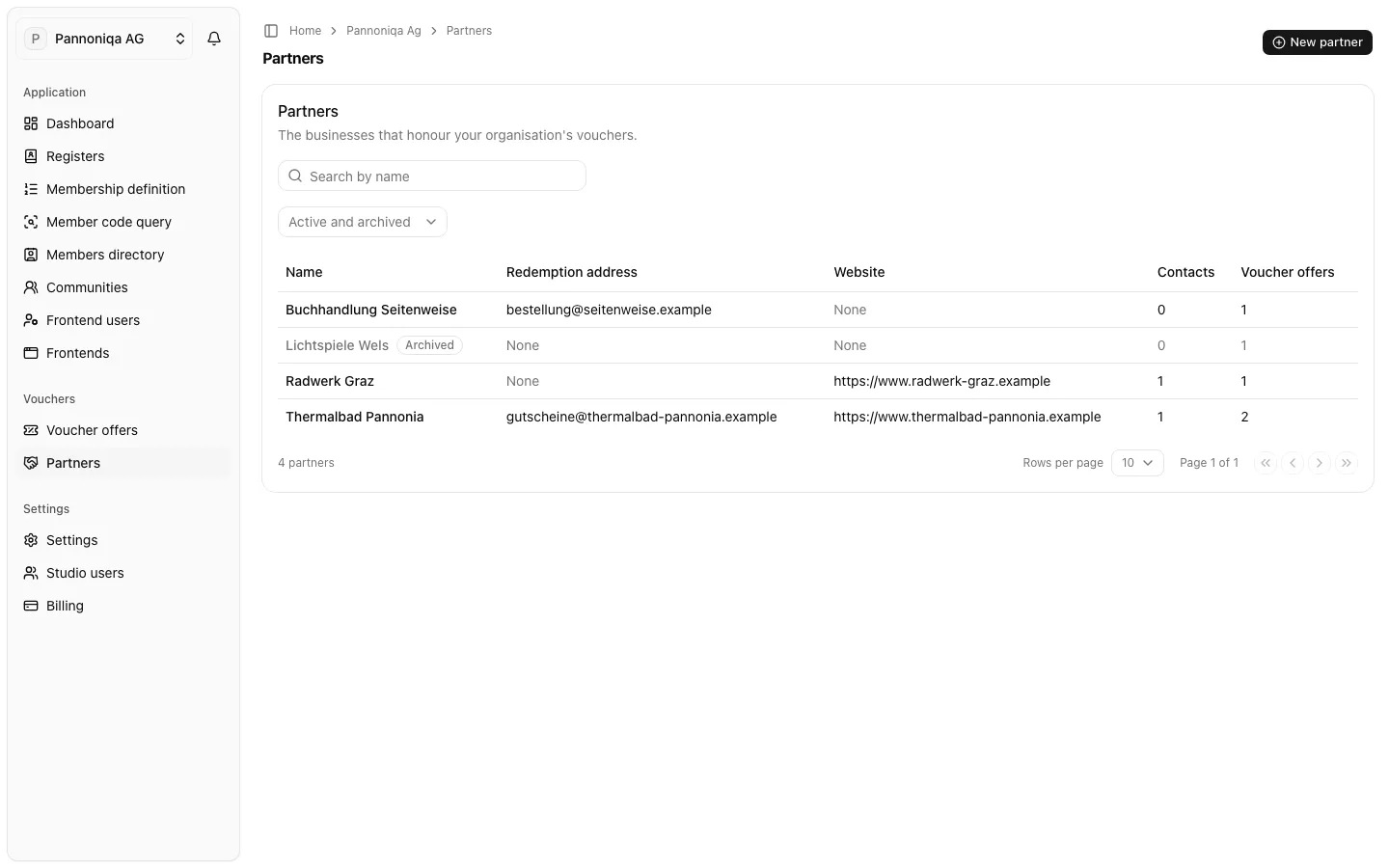
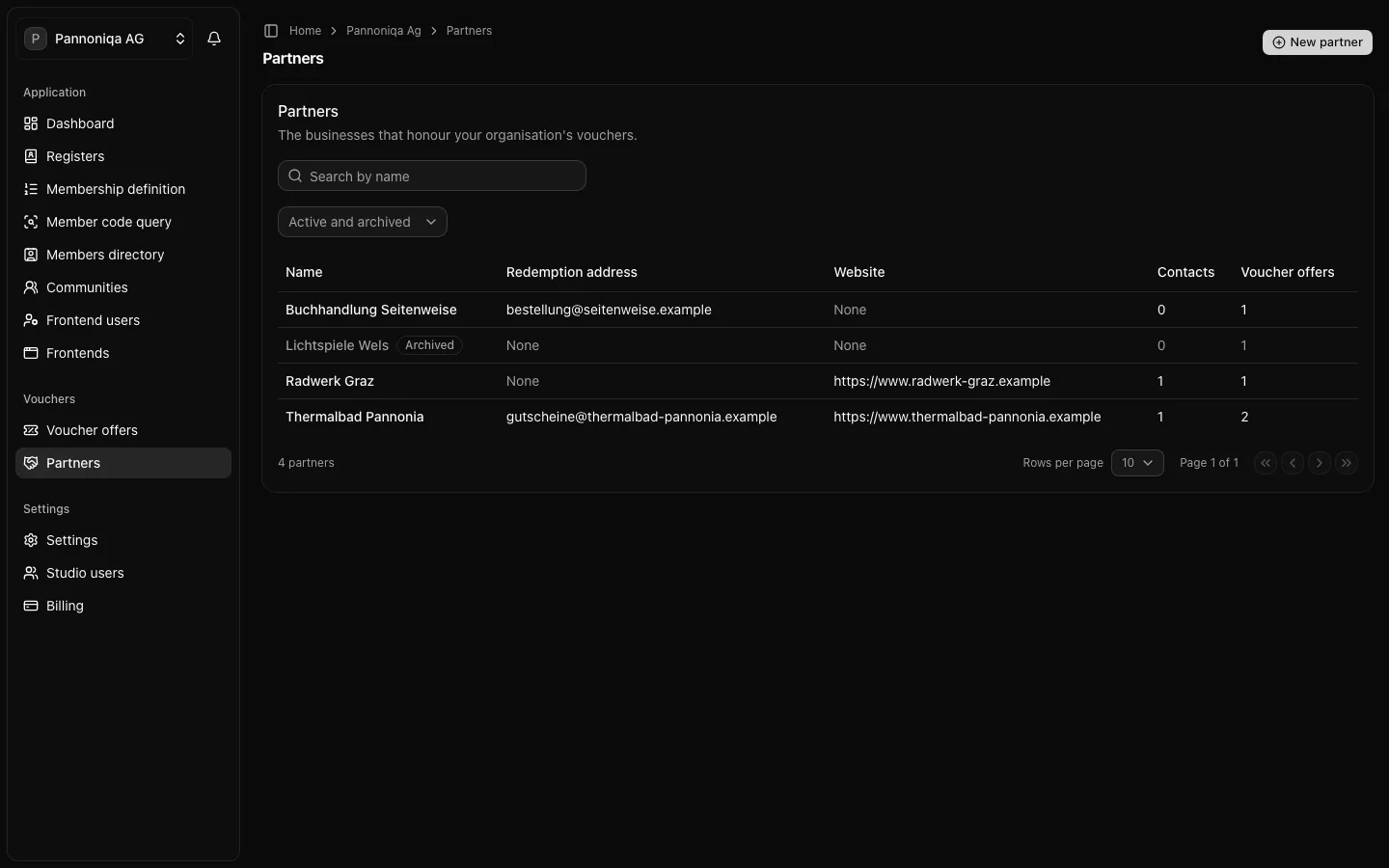
A partner is a business that honours your organisation's vouchers. Open "Partners" in the sidebar, under "Vouchers", to see them all with their redemption address, website and how many contact persons and voucher offers each has. Search by name, or show only "Active" or "Archived" partners with "State".
Add a partner
- Open "Partners" and choose "New partner".
- Enter the "Name", for example "Thermalbad Pannonia". Two partners of your organisation cannot have the same name, whatever its case.
- Optionally enter the "Redemption address": the email address members' messages about a redemption go to. Without one, the default redemption address applies.
- Optionally enter the "Website", starting with
https://. - Under "Contact persons", choose "Add contact person" for each person, with their name and optionally their email and phone. A partner has up to 20.
- Optionally write an "Internal note", for your organisation only.
- Choose "Create partner".
The partner's page opens, with its details, contact persons and voucher offers.
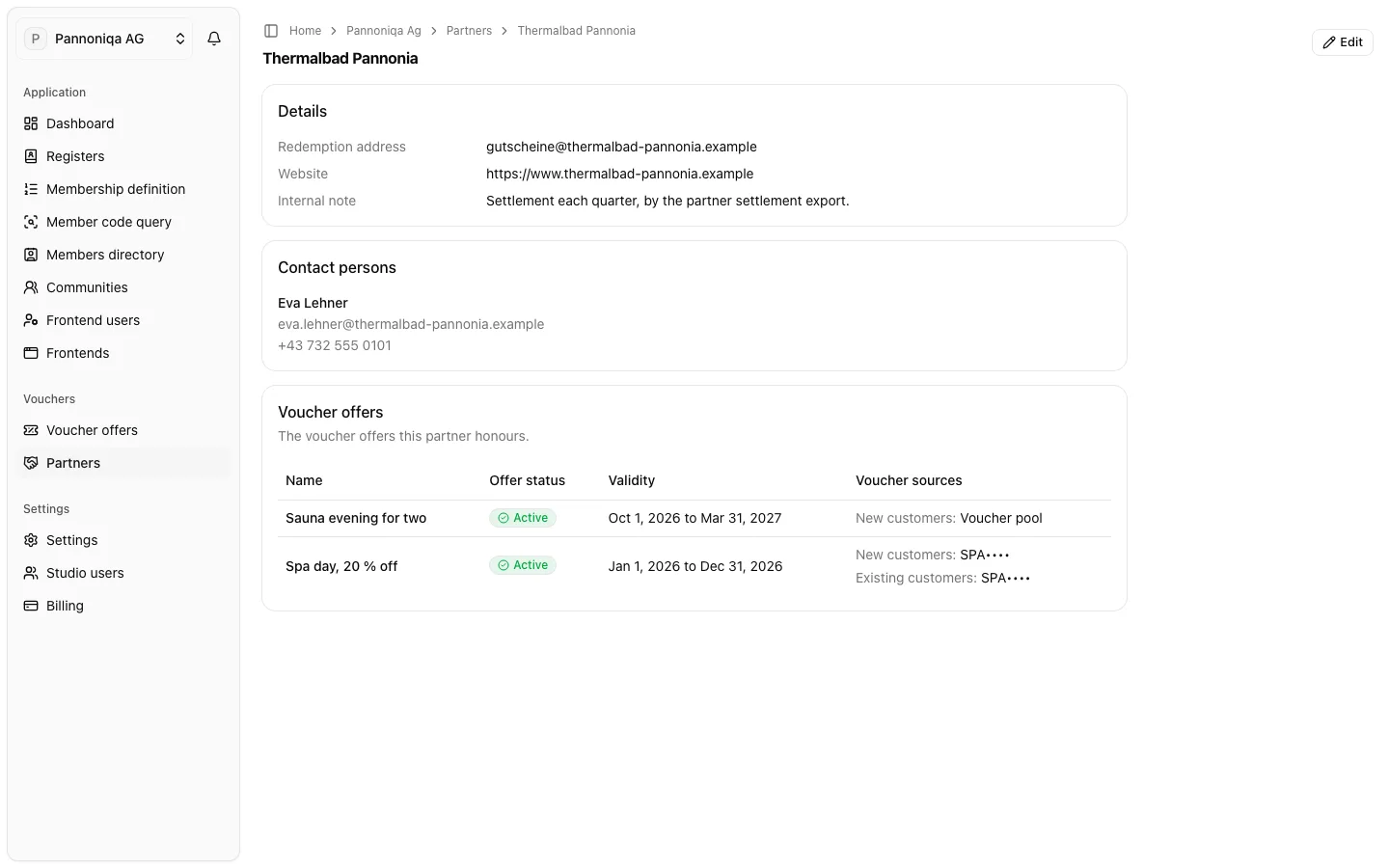
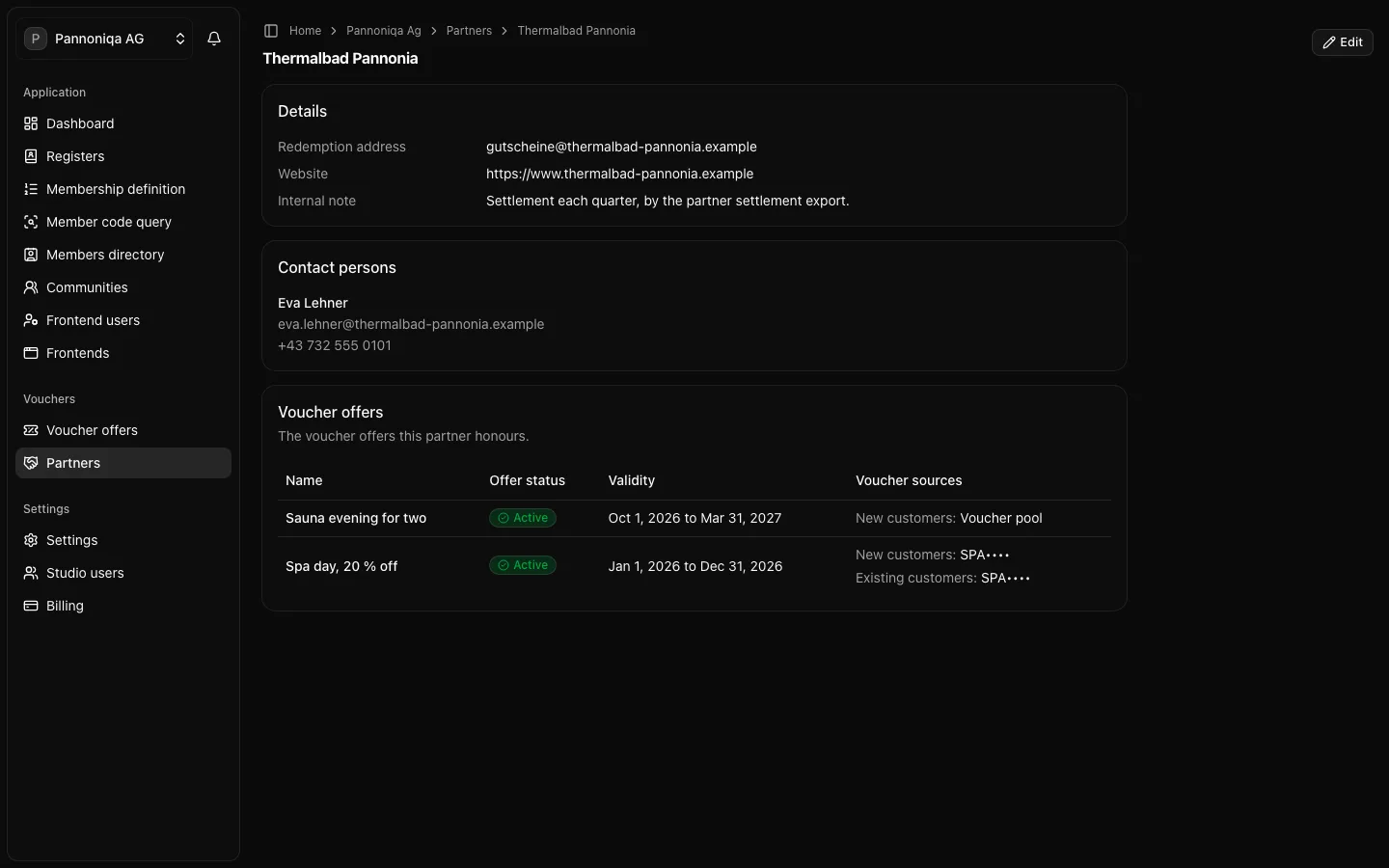
To change a partner, open it and choose "Edit". Changes apply at once, to every voucher offer of the partner. If someone else saved the partner meanwhile, the Studio says so and keeps their changes: close the dialog and edit again.
Archive or delete a partner
A partner with voucher offers is never deleted, so your records keep it.
- Archive a partner you no longer work with: open it and choose "Archive". "Archive" shows once every voucher offer of the partner has ended. An archived partner keeps its ended offers but takes no new ones, and the list marks it "Archived". "Restore" takes it back.
- Delete a partner without voucher offers, for example one added by mistake: open it and choose "Delete". The partner and its contact persons are gone for good.